
Nicer CD/VCD/DVD Player Cleaner Kit NS-1
4.0Editor score
Voice guidance included
Microfiber cloth included
Simple operation
This guide compares the top ten CD and DVD player cleaner options to help you choose the best lens cleaning kit for your media devices in 2026.
Keeping your optical drives running smoothly requires regular maintenance to prevent read errors and playback issues. A dedicated cleaner ensures your laser lens stays free of dust and debris that can cause skipping or freezing during use.
We evaluated ten leading cleaning kits based on their effectiveness, ease of use, and compatibility with various devices. Our analysis focuses on brush quality, included accessories, and user feedback to determine which products deliver reliable results.
Each selection highlights specific strengths and ideal use cases for different player types. Please note that prices and availability may change over time, so check the current listings before making your final purchasing decision.
4.0Editor score

4.2Editor score

4.2Editor score
The following table provides a side-by-side overview of the top ten cleaning solutions. Compare their key specifications and features to find the right match for your specific player needs.






This cleaning set offers a robust solution for maintaining optical drive health. It features a two-brush process designed to remove dust and debris effectively. Users report improved sound and image quality after use.
We may earn a commission when you buy through this link, at no additional cost to you.
The kit includes a cleaning disc and a glasses cloth for manual wiping. This combination ensures thorough cleaning of both the lens and the discs themselves. The process is straightforward and quick to complete.
While effective for many players, it is not compatible with gaming consoles like PlayStation or Xbox. This limitation is important to consider if you use one device for both media and games. The cleaning fluid is not included in this specific set.
We recommend this for home theater setups where CD and DVD playback is primary. It provides reliable maintenance without expensive professional servicing. Regular use can prevent future read errors and extend device lifespan.
The two-brush clean process targets dirt that causes video dropouts and audio distortions during playback.
Cleaning the laser lens helps extend the service life of your CD or DVD player significantly.
We may earn a commission when you buy through this link, at no additional cost to you.
This version adds disc cleaning fluid to the standard kit. It ensures a more thorough cleaning by allowing chemical assistance alongside the brush process. Support is available around the clock for any issues.
We may earn a commission when you buy through this link, at no additional cost to you.
The inclusion of fluid helps dissolve stubborn grime that brushes alone might miss. This is beneficial for players in dusty environments or those used frequently. The cloth is useful for cleaning the discs themselves as well.
The fluid adds value but requires careful handling to avoid spills. It is not recommended for gaming consoles as stated by the manufacturer. Some users might need to repeat the process if dust levels are very high.
Choose this if you want a more aggressive cleaning approach. The added fluid can be helpful for older players showing signs of wear. Support availability gives extra peace of mind for long-term use.
The kit includes disc cleaning fluid to assist the brush system in removing stubborn deposits.
Customer support is available twenty-four hours a day to assist with any usage problems.
We may earn a commission when you buy through this link, at no additional cost to you.
This option provides a balance of features at a competitive price point. It includes fluid and a cloth similar to the ARCD-04 model. The core technology remains the same effective two-brush system.
We may earn a commission when you buy through this link, at no additional cost to you.
The fluid helps tackle dust that causes skipping and freezing issues. Users appreciate the cloth for wiping fingerprints off discs. The package also comes with an after-sales card for contact.
While effective, it shares the console incompatibility of the brand. This limits its utility for gamers using optical drives. The fluid amount is sufficient for a few cleaning sessions before replacement is needed.
Select this for general home media players on a budget. It offers the essentials needed to maintain optical drives without extra cost. Regular cleaning prevents major issues and keeps playback smooth.
The kit provides a disc cloth and fluid to cover most cleaning needs effectively.
Cleaning the lens improves sound and image quality significantly for better viewing experiences.
We may earn a commission when you buy through this link, at no additional cost to you.
Endust is a known name in electronics maintenance. This cleaner works safely on Blu-ray and DVD lenses. It is suitable for office desktops and home entertainment centers.
We may earn a commission when you buy through this link, at no additional cost to you.
The product focuses on removing dust that obstructs the laser. The instructions require turning audio on to guide the cleaning process. This ensures the disc rotates correctly for the brushes to work.
While reliable, it may not include extra accessories like fluid or cloth. Some users prefer more complete kits. However, the core cleaning action is effective for standard maintenance tasks.
Ideal for users who need a trusted brand for regular upkeep. It fits well in environments where electronics need consistent care. Regular use keeps devices performing at their best.
This product safely cleans the lens of any device that is CD or DVD compatible.
It is perfect for office desktops school use and home offices needing reliable maintenance.
We may earn a commission when you buy through this link, at no additional cost to you.
Maxell uses ultra-fine synthetic fibers impregnated with copper. This offers superior cleaning and demagnetization for optical drives. It is compatible with many gaming systems like Xbox and PS12.
We may earn a commission when you buy through this link, at no additional cost to you.
The manufacturer suggests cleaning after every ten hours of use. This frequency helps maintain performance and prevents read errors. The brush is replaceable when signs of wear appear after twenty uses.
While excellent for cleaning, it does not include fluid or a cloth. Users may need to buy these separately for complete maintenance. The focus is on the lens itself to ensure optimal pickup.
Choose this for heavy users or console owners who need reliability. The copper fibers provide a robust clean. Following the usage guide extends the life of your player significantly.
The brush system features ultra-fine synthetic fibers impregnated with copper for maximum cleaning and demagnetization.
It is recommended to clean the DVD player's lens after every ten hours of use.
We may earn a commission when you buy through this link, at no additional cost to you.
This kit provides audio feedback to guide users through the process. It includes fluid and a cloth to enhance cleaning. The process takes about three minutes to complete fully.
We may earn a commission when you buy through this link, at no additional cost to you.
Voice guidance ensures the disc is spinning correctly for cleaning. It helps left and right channel testing for verification. The fluid targets grime effectively while the cloth protects surfaces.
It does not support gaming consoles like Xbox or PlayStation. This limits its scope to home audio video systems. The process is quick but requires attention to the audio cues.
Best for users who want confirmation that cleaning is happening. The included accessories make it a complete package. Six months of service support adds value for the price.
The kit features voice guidance to ensure the process is performed correctly and completely.
It includes a six-month after-sales service period for ongoing customer support and assistance.
We may earn a commission when you buy through this link, at no additional cost to you.
This version reduces the cleaning time significantly to just one and a half minutes. It includes a microfiber cloth for wiping down discs. Voice guidance helps confirm the cleaning is active.
We may earn a commission when you buy through this link, at no additional cost to you.
The shorter process makes it convenient for quick maintenance checks. It is effective for removing dust that affects playback. The cloth ensures you can also clean the media itself.
It lacks the fluid found in the NS-2 model. This may limit its effectiveness on stubborn deposits. Still, it covers the basics for regular upkeep well enough for most users.
Choose this if you need a fast routine for busy setups. The voice confirmation is a helpful feature. Service support ensures help is available if issues arise.
The whole process only takes one point five minutes making it very quick for regular use.
It is designed for simple operation with voice guidance to assist users effectively.
We may earn a commission when you buy through this link, at no additional cost to you.
These wipes are designed for cleaning the discs themselves rather than the player. They remove dirt and smudges that cause playback issues. They are soft and non-abrasive to prevent damage.
We may earn a commission when you buy through this link, at no additional cost to you.
The pack contains twenty individual wipes for convenience. This is ideal for routine maintenance when discs get dirty. Using clean discs helps prevent skipping and ensures smooth playback.
They do not clean the laser lens directly inside the player. This is a supplement to a dedicated cleaning disc. Regular disc cleaning helps maintain optimal drive performance.
Include these for a complete cleaning kit for your media. They protect your investment by keeping data surfaces clean. They are safe for most types of optical discs.
These wipes restore discs to peak performance by removing dirt dust smudges and fingerprints.
They help prevent skipping and ensure a smooth uninterrupted experience for enjoying your media.
We may earn a commission when you buy through this link, at no additional cost to you.
This cleaner features an eight-brush carbon system. It is designed to remove static buildup that affects read performance. It works on DVD and CD drives and game players.
We may earn a commission when you buy through this link, at no additional cost to you.
Static can cause erratic reads and skipping issues. The carbon system neutralizes this to allow smooth operation. It is a specialized tool for maintaining optical drive health.
It may be less common than other brands. This model is specifically designed to handle static buildup on the lens. Regular use helps prevent read errors from static discharge.
Use this if static issues are affecting your playback. It provides a targeted solution for a specific problem. It supports various drives including games and computers.
The eight brush carbon system removes static buildup effectively.
It prevents skipping by ensuring the lens is free from static interference.
We may earn a commission when you buy through this link, at no additional cost to you.
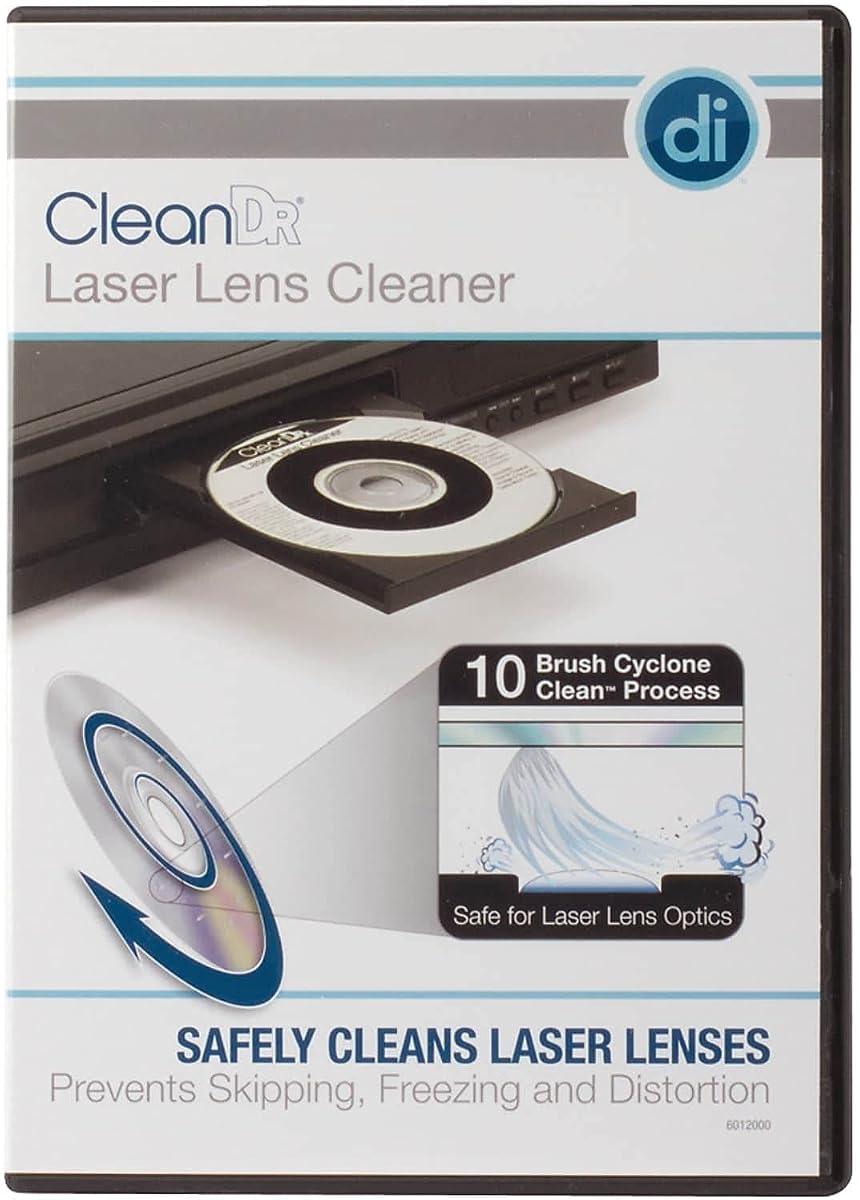
This model uses an exclusive ten-brush Cyclone Clean Process. It removes dust dirt and debris from the laser lens. It is safe for Xbox and PS1/2 game systems.
We may earn a commission when you buy through this link, at no additional cost to you.
The three-stage process includes demagnetization for optimal performance. It is not recommended for multi-disc players or Blu-ray systems. This focuses on specific single-disc optical drive types.
It is designed to optimize CDs DVDs and game systems. The Cyclone process ensures thorough cleaning with multiple brushes. This helps maintain sound and image quality effectively.
Choose this for heavy gaming usage or debris accumulation. The specialized brushes handle difficult dirt well. Ensure compatibility with your specific player model before buying.
The exclusive ten-brush Cyclone Clean Process removes dust dirt and debris from the laser lens.
This unique three-stage process demagnetizes and removes dirt ensuring optimal performance.
We may earn a commission when you buy through this link, at no additional cost to you.
Selecting the right cleaner requires understanding your device needs. Review these factors to ensure you get the best value and performance for your media players.
Check if the cleaner works with your player type. Some exclude gaming consoles like PlayStation or Xbox. Always verify the supported devices to avoid purchasing the wrong tool.
The number and quality of brushes affect cleaning power. More brushes like ten can offer a thorough clean. Look for fine fibers that won't damage the delicate lens surface.
Some kits include fluid to help dissolve dirt. This is useful for stubborn grime on the lens. If not included, you may need to purchase it separately for best results.
Choose a process that fits your routine. Voice guidance can help confirm the cleaning cycle. Faster processes save time but ensure they are effective for your needs.
Good support helps if you encounter issues. Six months of service is a common standard. Ensure the manufacturer offers clear contact options for assistance.
Consider if the kit cleans discs too. A microfiber cloth helps wipe fingerprints off discs. This keeps media clean and reduces load on the player lens.
Established brands often offer reliable tools. Check reviews for long-term performance. A trusted name can mean better quality materials and consistent results.
Estimate how often you need to clean. Heavy users may prefer a durable set. Regular maintenance extends the life of your players and keeps playback smooth.
Insert the cleaning disc into your player with the label facing up. Press play to start the cleaning cycle. Ensure the audio is on to hear instructions and confirm operation.
Allow the cycle to finish completely before removing the disc. This ensures the brushes have cleaned the lens fully. Wait a moment before ejecting to avoid scratching the drive.
Store the disc and any included cloths in a safe place. Use a clean cloth to wipe down discs manually. Regular maintenance prevents build-up and keeps devices running well.
It is recommended to clean the lens every ten hours of use or when playback issues arise. Regular maintenance prevents skipping and freezing problems.
Check compatibility before use. Some cleaners work with older consoles like PS2 or Xbox but not newer ones like PS4 or PS5. Always verify the label to be sure.
Not always but fluid helps remove stubborn dirt effectively. Kits without fluid rely on dry brushing. Choose based on your needs for deep cleaning.
Skipping may indicate remaining dirt or lens issues. Try running the cleaner again. If problems persist, the lens might be damaged or needs professional service.
Some are designed for Blu-ray but others are not. Check the product description carefully. Using the wrong type could damage the sensitive optical lens.
This may mean the player is not recognizing the disc. Ensure the disc is inserted correctly. Check player settings or try another disc to diagnose the issue.
We highlighted ten cleaning options that suit various needs and budgets. The top picks offer proven effectiveness for maintaining drive performance and reliability.
Prioritize compatibility and brush quality to ensure your safety. Choose a kit with accessories like fluid or cloth for convenience and thorough care.
Remember that prices vary across sellers and over time. Check current listings before buying to get the best deal available for your needs.