
bersem 2 Pack Paperfeel Screen Protector
4.4Editor score
Ultra-thin 0.17mm design
High touch sensitivity
Easy bubble-free installation
Finding the right screen protector for your new iPad A16 is essential for artists and students who value a natural writing feel. These protectors transform your glass display into a textured surface that mimics paper friction for better control.
We analyzed ten leading options based on compatibility with the latest iPad models, surface texture quality, and ease of installation. Each product offers unique features designed to enhance your Apple Pencil experience while keeping your screen safe from scratches.
Every pick in this guide highlights specific benefits like anti-glare coatings or magnetic designs. Note that availability and exact model compatibility may change over time so always verify your device number before buying to ensure the perfect fit.
4.4Editor score
4.5Editor score
4.6Editor score
As an Amazon Associate we earn from qualifying purchases.
This side-by-side comparison covers all ten top-rated protectors designed for the iPad A16 and 10th generation models. We evaluate key specs like material type, thickness, and installation methods to help you find the ideal match for your creative workflow.


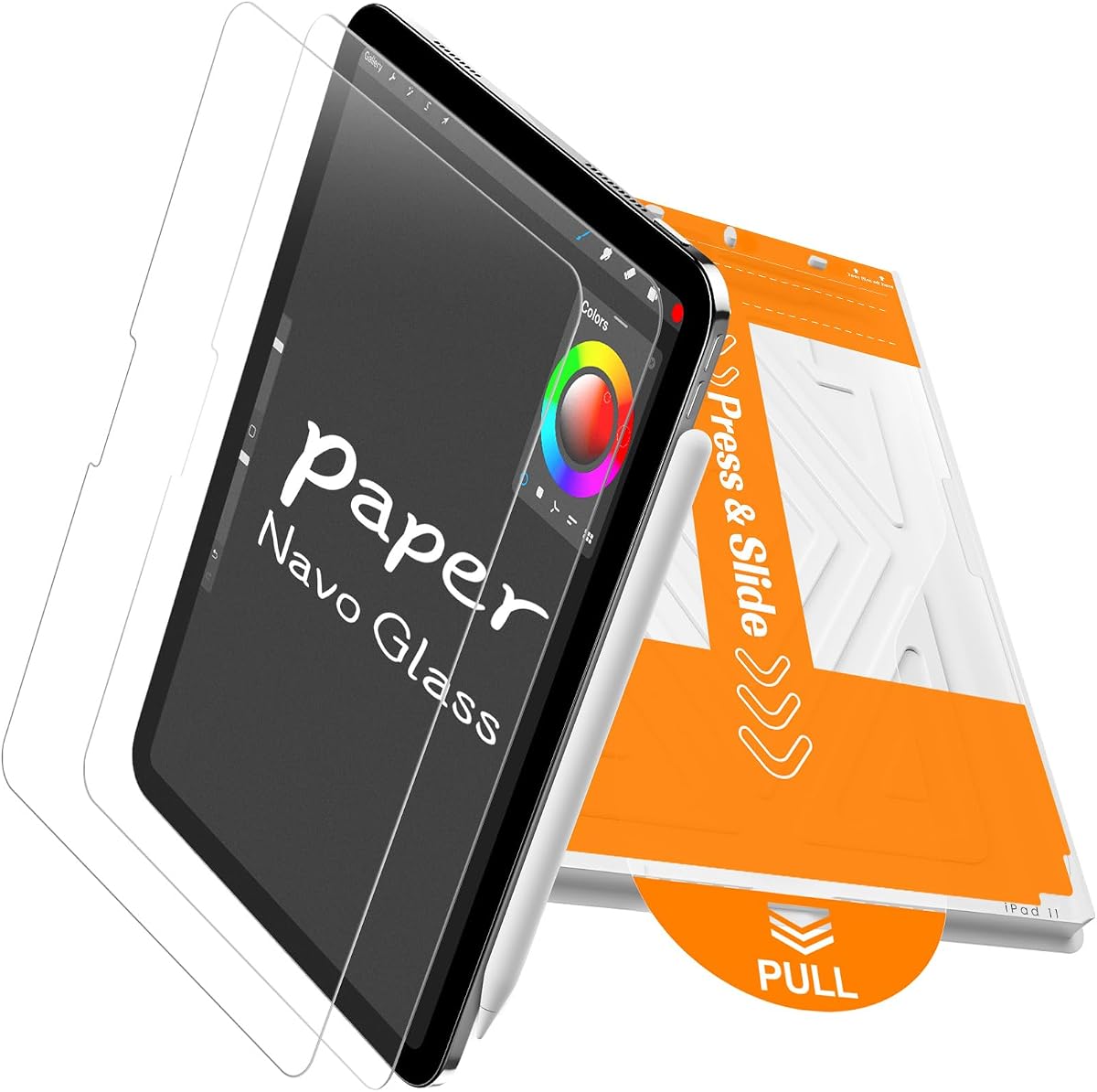

This MOBDIK screen protector stands out for its exceptional textured surface that closely mimics real paper friction. With a solid 4.4 rating from users it delivers a satisfying tactile experience for sketching and note-taking without sacrificing display clarity.
We may earn a commission when you buy through this link, at no additional cost to you.
Crafted from 0.17mm Japanese PET film it maintains the iPad A16s original touch sensitivity for fast app switching and precise gestures. The advanced texture technology ensures smoother shading and more comfortable handwriting whether you are illustrating or writing notes.
While the matte coating effectively diffuses light to reduce glare the surface may slightly soften high definition content compared to clear glass. However the reduction in reflections and smudges outweighs this trade-off for most creative professionals and students.
This protector is ideal for anyone seeking a realistic writing experience on their new iPad. Verify your model number carefully before purchasing to ensure compatibility with the 11th or 10th generation devices.
The textured surface technology replicates natural friction to create the perfect canvas for artists and students.
High sensitivity design enables instant response and seamless experience for professionals and all users.
We may earn a commission when you buy through this link, at no additional cost to you.
KCT offers a compelling two-pack option that balances quality and affordability for budget conscious buyers. With a 4.4 rating it delivers a reliable textured surface that enhances writing control while keeping costs low for students and casual users.
We may earn a commission when you buy through this link, at no additional cost to you.
The premium PET material features a uniform micro-grit surface that provides a delicate frosted finish to reduce light refraction. Plasma adsorption technology ensures stronger attachment and automatic exhaust capabilities help achieve a bubble free fit on the first try.
Although the frosted finish slightly softens screen visuals compared to clear glass it significantly improves outdoor visibility by cutting glare. The smooth gliding surface is particularly suitable for Apple Pencil users who want reduced tip wear over time.
Buy this if you need spare protectors or want to share value with a friend. Always ensure your iPad camera is on the long side as specified to avoid installation mismatches.
Upgraded textured surface offers damping true to the touch of real paper for authentic writing feel.
Automatic exhaust and adsorption functions make installation easier for beginners without prior experience.
We may earn a commission when you buy through this link, at no additional cost to you.
This unique hybrid protector combines the durability of tempered glass with a micro-textured matte film for an authentic paper feel. Rated 4.3 it transforms your glass screen into a natural writing surface while offering superior protection against drops and scratches.
We may earn a commission when you buy through this link, at no additional cost to you.
The innovative micro-textured matte film provides perfect natural friction and tactile response for writing and drawing without slippery clicks. Its shatterproof design absorbs impact from accidental drops holding pieces together in a tight web pattern for extra safety.
Users may find the glass construction slightly heavier than traditional PET films which could be noticeable during long drawing sessions. However the increased scratch resistance and drop protection make it a smart investment for clumsy artists or travelers.
Choose this if you prioritize maximum durability without sacrificing the paper feel experience. The press pull tab system ensures alignment is effortless even for first time installers.
Engineered to absorb impact from accidental drops preventing sharp shards from scattering to screen.
Precision engineered for full coverage with zero compromise on cameras and contours for all models.
We may earn a commission when you buy through this link, at no additional cost to you.
The bersem protector offers an affordable entry point for users wanting a paper feel experience without breaking the bank. With a 4.4 rating it delivers a natural writing feel that prevents pencil slippage for precise control during creative tasks.
We may earn a commission when you buy through this link, at no additional cost to you.
Imported from Japan the special texture on the surface makes you feel like you are touching real paper. The 0.17mm ultra-thin design maintains original touch sensitivity and color accuracy for lag-free responsive touch and true visuals.
Installation requires peeling off a printed protective layer before application which can be confusing for some users. However the alignment tool kit ensures bubble-free results for beginners without prior experience and step-by-step videos help guide you.
This is perfect for students or casual note-takers who want reliable protection at a low cost. Just verify your model number on the back of your iPad before ordering to avoid compatibility issues.
Special texture prevents pencil slippage for precise control ideal for sketching or note-taking tasks.
Ultra-thin design maintains true-to-life visuals for digital artists and competitive gamers alike.
We may earn a commission when you buy through this link, at no additional cost to you.
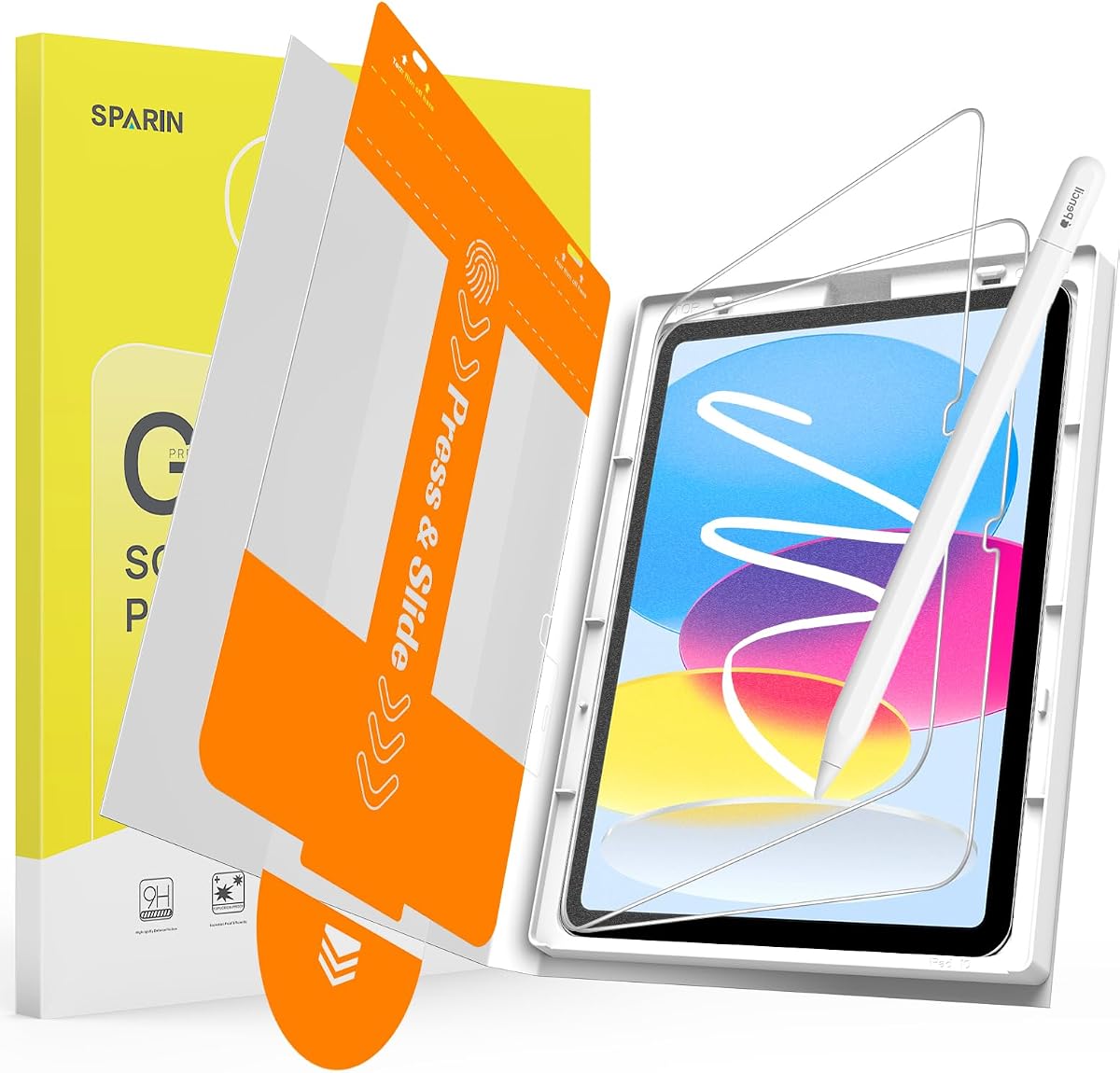
SPARIN combines the tactile benefits of paper feel with the robust protection of tempered glass for a 2-in-1 solution. Rated 4.5 it features a finely textured surface bonded to glass so you keep writing comfort while getting real screen protection.
We may earn a commission when you buy through this link, at no additional cost to you.
The micro-textured surface gives your Apple Pencil natural friction instead of a slippery glide. With 0.25mm thickness touch and Pencil input stay responsive and tip wear stays low making it great for students and artists who draw daily.
The 9H hardness and shatterproof construction resists scratches and impact while holding cracked pieces together instead of scattering sharp shards. The alignment tray and pull tab make installation dust-free and bubble-free without crooked edges.
Choose this if you want maximum durability without losing the natural writing feel. The oleophobic coating also resists fingerprints so your screen stays clean in bright offices or outdoors.
Finely textured surface bonded to tempered glass keeps paper feel and adds real screen protection.
Low tip wear design allows you to draw or write for longer without frequent replacements.
We may earn a commission when you buy through this link, at no additional cost to you.
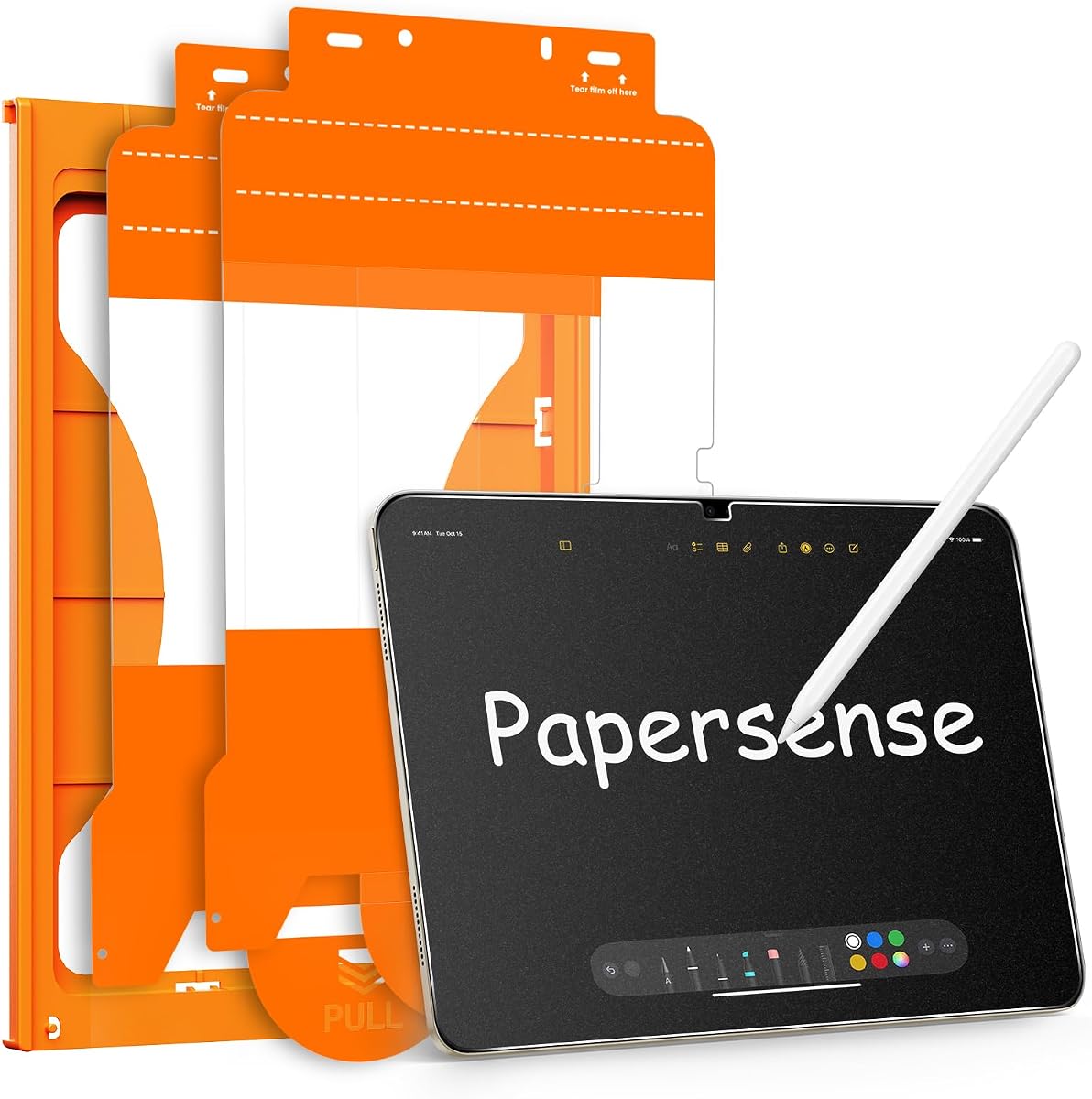
OMOTON stands out with its high-end Papersense series that offers a premium tactile experience for serious creators. With a top 4.6 rating it balances the natural writing feel of paper with the protective function of tempered glass beautifully.
We may earn a commission when you buy through this link, at no additional cost to you.
The upgraded material enhances screen clarity making the screen look more comfortable while improving the writing and drawing experience. It offers instant Apple Pencil responsiveness while reducing tip wear so you can create for longer without replacements.
Installation tools and videos help eliminate air bubbles and dust effectively for a perfect fit. While the price is higher than budget options the enhanced feel and clarity justify the cost for professionals who use their iPad daily.
This is the ideal choice for artists and designers who need top-tier performance. Just ensure you follow the step-by-step guide to avoid dust particles during installation for the cleanest result possible.
Unique design allows users to install faster while providing a realistic writing and drawing experience.
Optimized thickness meets Apple accessory guidelines to reduce tip wear and prolong accessory life.
We may earn a commission when you buy through this link, at no additional cost to you.
This unique magnetic protector lets you remove it whenever you want the original glass screen clarity back. With a 4.5 rating it offers a paper writing feel that minimizes glare and reflections under strong sunlight or bright lights.
We may earn a commission when you buy through this link, at no additional cost to you.
Upgraded nano suction cups securely attach to the edge of the iPad without adhesive residue. The 3H hard coating prevents surface scratches during daily use while the 0.25mm thickness ensures smooth writing with your Apple Pencil.
You can also use it over a tempered glass screen protector if it is less than 0.33mm thick for double protection. The detachable design allows you to enjoy the original screen color charm without permanently changing your display surface.
Buy this if you sometimes want paper feel but often prefer clear glass. It is perfect for meetings or casual use where you want maximum clarity without committing to a permanent film.
Upgraded nano suction cups securely attach to the edge to provide perfect writing experience.
Compatible with tempered glass protector for double protection without scratching your original screen.
We may earn a commission when you buy through this link, at no additional cost to you.
XIRON offers a simple effective solution for students needing durable protection at a reasonable price. With a 4.4 rating it provides a smooth natural writing experience with added friction for comfortable drawing and note-taking sessions.
We may earn a commission when you buy through this link, at no additional cost to you.
The anti-glare surface reduces distracting reflections so you enjoy a clearer viewing experience even in bright environments. The 3H hardness protects your screen from daily scratches while keeping the iPad sensitive enough for fast apps.
Installation is straightforward with a self-adhesive design that is easy to push bubbles out. It is a no-fuss option that prioritizes function and value for those who do not need advanced alignment tools.
Choose this if you want a reliable two-pack to keep as spares. Just contact support via email if you have questions about installation or use to get quick assistance.
3H hardness and self-adhesive design protect your daily scratches and keep the touch sensitive.
Anti-glare surface reduces distracting reflections for comfortable viewing while drawing or writing.
We may earn a commission when you buy through this link, at no additional cost to you.
PandaShield stands out with its military-grade 9H hardness and comprehensive 365-day warranty for peace of mind. Rated 4.3 it uses innovative surface treatment technology to accurately restore the natural texture and writing resistance of paper.
We may earn a commission when you buy through this link, at no additional cost to you.
The application tray ensures quick installation without bubbles even for beginners with no experience. It also reduces stylus tip wear and prolongs the life of your accessory while protecting your screen against accidental drops and scratches.
The advanced oleophobic coating prevents fingerprints and smudges from staining your display. If you face any issues with cracks or peeling the company sends a free replacement immediately without requiring returns.
This is perfect for risk-averse users who want strong protection and excellent support. Verify your model number on the back of your device before ordering to ensure exact compatibility with your iPad.
365-Day Worry-Free Warranty sends free replacement immediately if protector cracks or peels.
360-degree full-dimensional protection against scratches chips and accidental drops keeps screen safe.
We may earn a commission when you buy through this link, at no additional cost to you.
Paperlike remains a trusted brand with over 2.4 million creators worldwide relying on its refined Nanodots technology. Rated 4.2 it delivers true paper-feel benefits for better handwriting and more precise drawings with less hand strain.
We may earn a commission when you buy through this link, at no additional cost to you.
The Butterfly Application guide includes a built-in dust-catching layer and Helper Tool to make alignment simple at your own pace. It stays below Apple's 0.095mm limit ensuring your Apple Pencil works just like on a bare screen.
The durable PET layer shields your display from scratches and scuffs while delivering the right friction for full control. However it may be less scratch-resistant than tempered glass options so handle with care during daily use.
Choose this if you trust the brand and want an ultra-thin responsive option. The included helper tools make installation accessible for beginners ensuring clear on-screen guidance without frustration during setup.
Trusted by 2.4M+ creators worldwide for natural friction and control of paper to screen.
Stays below Apple's thickness limit so Apple Pencil works just like on a bare screen.
We may earn a commission when you buy through this link, at no additional cost to you.
Selecting the right paper screen protector requires evaluating material, compatibility, and features that suit your workflow. We break down key factors to help you make an informed decision based on your usage patterns.
PET films offer a lightweight paper feel but may scratch easier than glass. Tempered glass hybrids provide better impact resistance while maintaining texture. Consider durability needs when choosing.
Choose PET for light writing and glass for heavy protection.
Thinner options under 0.2mm maintain better touch sensitivity but might feel fragile. Thicker ones offer sturdier protection but can slightly dampen input response. Balance comfort with responsiveness.
Prioritize thin designs for high-performance touch tasks.
Ensure the protector matches your exact model number like A3354 or A2696. Cameras and sensors must align perfectly to avoid installation issues or blocked features. Check model numbers on the back of your device.
Always verify model numbers before purchasing to ensure fit.
Surface texture determines how realistic the writing feel is. Look for micro-textured surfaces that reduce glare and provide natural friction. Some coatings are smoother while others offer more resistance for drawing.
Select texture based on whether you write or draw more.
Installation kits with alignment trays make bubble-free application much easier. Dust-free or automatic exhaust features simplify setup for first-time users. Choose options with clear instructions and tools.
Look for alignment tools to avoid installation frustration.
Matte coatings reduce glare significantly in bright environments. However they might slightly soften screen colors compared to glossy finishes. Decide if glare reduction outweighs the trade-off in clarity.
Prioritize anti-glare if you work outdoors often.
Some brands offer warranties replacing cracked or damaged protectors. Check if support is available for installation issues or defects. A good warranty adds peace of mind to your purchase.
Look for warranties covering cracks or installation errors.
Two packs offer better value for money than single units. Premium brands cost more but often provide refined textures and better kits. Determine your budget and prioritize features accordingly.
Compare packs to get better long-term value.
Clean your screen thoroughly with a microfiber cloth to remove dust before installation. Align the protector carefully using included trays or guides to avoid bubbles.
Wipe the surface regularly with a soft cloth to prevent oil buildup. Avoid harsh chemicals that might degrade the oleophobic coating or paper texture.
Store your iPad in a case that covers the screen when not in use. This reduces abrasion and keeps the protector looking clean and durable.
Yes most paper screen protectors work with both 1st and 2nd generation Apple Pencils. Ensure the thickness is under 0.3mm for full compatibility.
High-quality protectors are designed to reduce tip wear rather than increase it. However rougher textures may cause more wear than smooth ones over time.
Use a thin plastic card to lift one corner gently. Peel it off slowly at a low angle to avoid scratching the screen beneath.
Most cases work fine as long as they do not press on the protector edges. Check if your case has screen clearance before buying.
Yes matte coatings slightly reduce brightness and clarity to cut glare. The trade-off is improved visibility in bright light environments.
It typically lasts several months to a year depending on usage. Heavy drawing might wear the texture faster than light note-taking.
Magnetic ones allow removal but may have weaker adhesion during use. Adhesive ones stay fixed better but cannot be removed easily.
We found that the MOBDIK Paperfeel offers the best overall balance of texture and price for most users. Its reliable performance and high rating make it a top choice for students and artists alike.
For those needing maximum durability the SPARIN hybrid protector combines glass strength with paper feel. Meanwhile OMOTON provides the best premium experience for professionals needing top-tier clarity.
Remember that exact compatibility depends on your specific model number so always double check before buying. Prices and availability may change so visit the product links to confirm current details.