
PS to HDMI Converter for PS1 / PS2
4.3Editor score
S-Video based conversion for cleaner signal
Includes HDMI and power cables
Plug and play setup
This guide compares the best HDMI adapter for PS1 consoles to help you connect retro gaming systems to modern displays with clarity and performance.
Connecting your classic PlayStation 1 to a modern TV requires the right HDMI adapter for PS1. These devices convert analog signals to digital formats ensuring you can enjoy retro games on high definition screens without losing the nostalgic feel of original hardware.
We evaluated ten top rated converters based on signal quality, ease of use, and compatibility with various display types. Our analysis focuses on models that support true RGB signals, aspect ratio switching, and stable power requirements for consistent performance during gameplay.
Each pick highlights specific strengths like low latency, built in switches, or robust cabling. While prices may vary over time, these selections represent the most reliable options available for preserving your gaming history on contemporary equipment.
4.3Editor score

4.6Editor score

4.2Editor score
The following table provides a side by side overview of each converter to help you identify key differences in signal processing, included accessories, and compatibility features before making a decision.

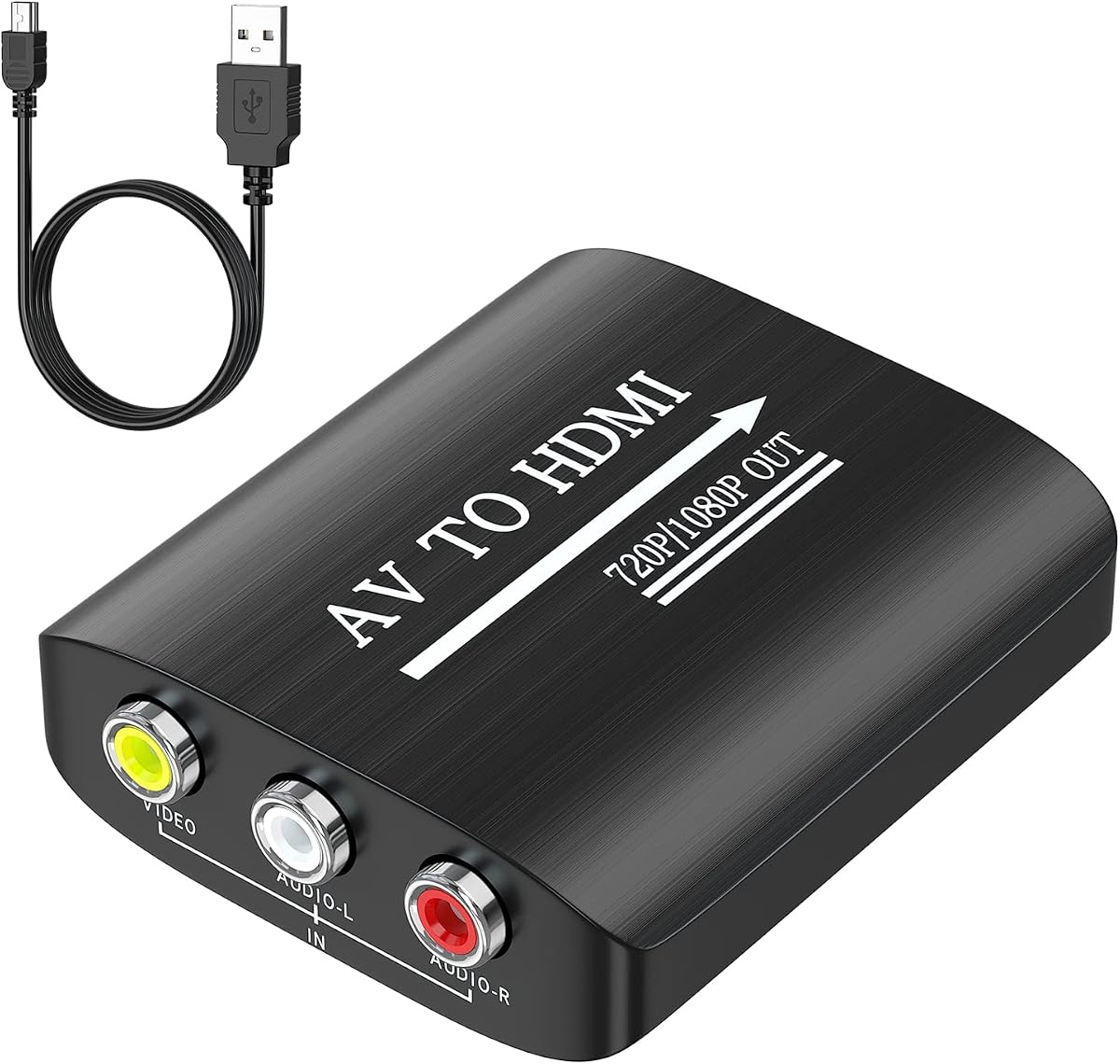


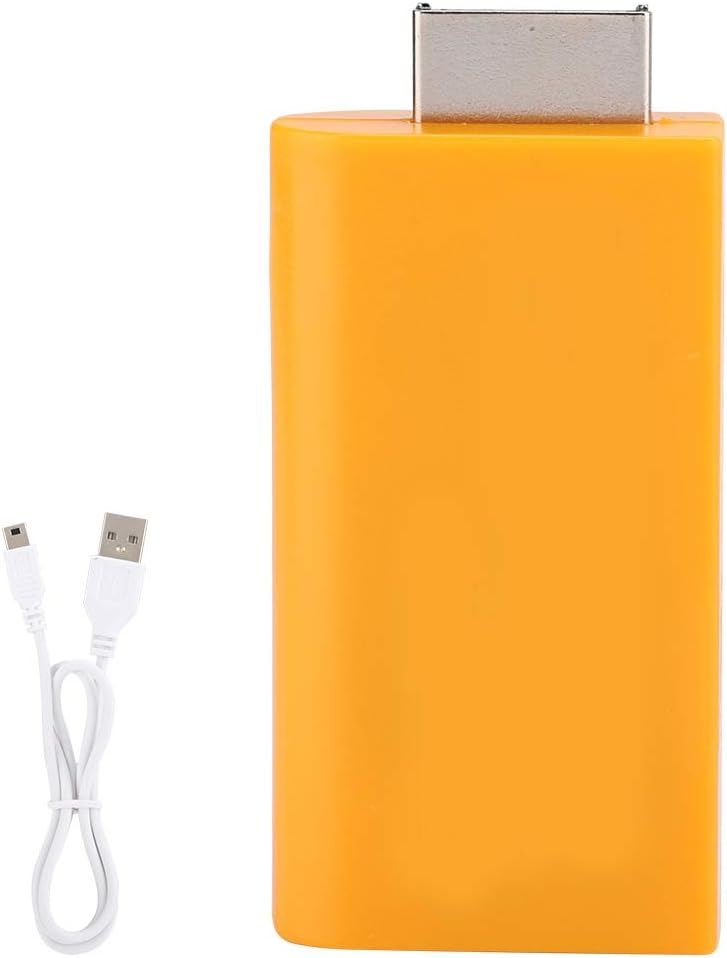

The HD Link HDMI Cable stands out as a top choice for connecting PS1 consoles to modern displays. It processes analog signals with high precision delivering enhanced colors and resolution details that remain true to the original game experience.
We may earn a commission when you buy through this link, at no additional cost to you.
Its ability to switch between 4:3 and 16:9 aspect ratios ensures you can match your TV settings without manual configuration. The low latency performance is critical for rhythm or fighting games where timing affects gameplay significantly.
While it requires a separate power source this is standard for most converters in this class. The detachable HDMI port adds flexibility allowing users to extend cable length without affecting signal integrity.
This adapter is ideal for enthusiasts seeking a balance of performance and ease of use. It delivers reliable output for both PS1 and PS2 making it a versatile addition to any retro gaming setup.
Advanced algorithms refine colors and details to match modern HDTV capabilities without introducing noticeable distortion.
The detachable design lets you swap cables if you need to reach a distant TV or switch to a higher quality HDMI cord.
We may earn a commission when you buy through this link, at no additional cost to you.
This PS to HDMI converter offers a practical solution for gamers on a budget. It leverages S-Video signals from the AV Multi-Out port providing a clearer path than standard composite conversion for improved visual fidelity.
We may earn a commission when you buy through this link, at no additional cost to you.
The package includes a 1.5m HDMI cable and a Micro USB power cable so you have the essentials needed for immediate setup. This convenience saves time and eliminates the need for extra purchases after delivery.
Performance relies heavily on the quality of your console's output signal so results may vary based on your specific hardware condition. However it remains a reliable option for most standard displays and projectors.
Buyers looking for an inexpensive way to modernize their retro setup will find this adapter highly effective. It bridges the gap between old consoles and new screens without breaking the bank.
By using the S-Video Y/C signal this adapter separates color and brightness for a sharper image compared to standard composite cables.
Having both HDMI and power cables in the box means you can start gaming right away without searching for additional accessories.
We may earn a commission when you buy through this link, at no additional cost to you.
The Kaico PS1 HDMI adapter delivers premium performance for serious retro gamers. It features a dedicated switch between RGB and Component modes ensuring you can optimize the signal type for your specific console setup.
We may earn a commission when you buy through this link, at no additional cost to you.
Its component cable quality display provides rich colors and deep blacks that enhance the visual depth of classic titles. The cable is designed to be durable and flexible reducing wear and tear from frequent handling.
Users must ensure they select the correct switch mode on their console to get the best results which adds a small step to setup. Once configured it works seamlessly with any HD TV or monitor.
For those who prioritize signal integrity and build quality this adapter is an excellent investment. It ensures your games look their absolute best on modern screens with minimal compromise on performance.
The built in switch allows you to toggle between RGB and Component modes to match the native output of your PS1 or PS2 console.
High quality materials ensure the cable remains functional over years of use making it a reliable choice for daily gaming sessions.
We may earn a commission when you buy through this link, at no additional cost to you.
This HDMI cable adapter focuses on delivering true RGB signal output for accurate color reproduction. It is designed to work directly with PS1 and PS2 consoles without requiring any software drivers or complex setup steps.
We may earn a commission when you buy through this link, at no additional cost to you.
The male PS2 input port simplifies connectivity by eliminating the need for additional cables. You can connect your console directly to the adapter and then to your display for an immediate gaming experience.
While it does not enhance video quality beyond the original signal it ensures a stable digital output for modern TVs. Some users have reported incompatibility with certain TV brands so checking your display specs is advisable.
Ideal for those seeking a straightforward solution for RGB output this adapter offers reliable performance at a reasonable cost. It keeps the focus on playing games rather than troubleshooting connectivity issues.
True RGB signal output ensures that color information is preserved during conversion for more vivid gameplay visuals.
The plug and play nature means you do not need to install any software on your computer or console to get started.
We may earn a commission when you buy through this link, at no additional cost to you.
The GINGIN AV to HDMI converter is versatile enough to work with a wide range of retro consoles beyond just the PS1. It converts analog composite signals to digital HDMI output making it suitable for various gaming setups.
We may earn a commission when you buy through this link, at no additional cost to you.
You can select between 720p and 1080p output depending on your display capabilities. The device requires a USB power source but does not need any drivers for installation.
It is important to note that the adapter cannot improve video quality beyond the input signal. For PS2 consoles you must ensure the system is set to RGB output for best results.
This adapter is a great choice for gamers who own multiple systems and want a single solution for all of them. It provides consistent output and ease of use across different brands and models.
Supports consoles like N64, SNES, and VHS players giving you one adapter for your entire retro collection.
Choose between 720p and 1080p to match your TV and resolution preferences without needing additional hardware.
We may earn a commission when you buy through this link, at no additional cost to you.
This Tengchi adapter simplifies the process of connecting older consoles with RCA outputs to modern HDMI displays. It supports standard TV formats like PAL and NTSC ensuring compatibility across different regions and broadcast systems.
We may earn a commission when you buy through this link, at no additional cost to you.
The device outputs 1080p HD video making it suitable for most flat screen TVs. It comes with a USB cable for power but does not include a power supply so you must use a USB source.
Installation is straightforward with a simple plug and play approach that requires no technical expertise. You can connect the adapter and start playing games immediately without configuring settings.
Buyers looking for a reliable RCA to HDMI solution will find this adapter offers consistent performance. It handles various input formats well and provides a clean transition to digital displays.
Supports NTSC and PAL formats so you can use your console regardless of where you bought the hardware.
Delivers 1080p video which matches the native resolution of many modern TVs for clear and sharp images.
We may earn a commission when you buy through this link, at no additional cost to you.
The BITFUNX adapter offers a 4-in-1 solution for PS1 PS2 and PS One consoles. It upscales analog signals to 1080P HDMI providing a modern viewing experience for classic games without sacrificing quality.
We may earn a commission when you buy through this link, at no additional cost to you.
It includes a switch between RGB and component modes allowing you to adjust the signal path based on your console's output. This feature ensures compatibility with different TV inputs and improves visual fidelity.
The device outputs a full digital format with zero transmission loss ensuring that audio and video remain synchronized. You do not need to worry about compatibility or signal degradation during long gaming sessions.
This adapter is a solid choice for those who want a flexible and reliable connection for multiple consoles. Its ability to handle various resolutions and modes makes it a versatile addition to any gaming collection.
Audio and video are converted to digital format without loss ensuring perfect synchronization during gameplay.
Supports PS1 PS2 Fat Slim and PS One giving you a single adapter for all your Sony legacy consoles.
We may earn a commission when you buy through this link, at no additional cost to you.
This CAMWAY adapter simplifies setup by removing the need for manual video output changes on your console. It connects directly to your PS1 or PS2 and converts the signal for 1080P displays instantly.
We may earn a commission when you buy through this link, at no additional cost to you.
A built-in button lets you switch between 4:3 and 16:9 aspect ratios so you can choose the display mode that suits your game or preference. This feature enhances the retro experience on modern screens.
The adapter supports a variety of video formats including PAL NTSC and SECAM making it useful for consoles from different regions. Its compact design makes it easy to store or transport with your gaming gear.
Ideal for casual gamers or families looking to play retro games together this adapter offers convenience and reliability. It delivers consistent performance without complex configuration steps.
Works with multiple video formats so you can use consoles from the US Europe or Asia without issues.
Toggle aspect ratios with a single button press allowing you to adapt to different games easily.
We may earn a commission when you buy through this link, at no additional cost to you.
This adapter emphasizes signal stability with an anti interference design that helps maintain clarity during gameplay. Tin plated connectors reduce oxidation and ensure a reliable connection over time.
We may earn a commission when you buy through this link, at no additional cost to you.
The internal wires are tinned to resist interference allowing for consistent video transmission even in crowded electronic environments. Its small footprint makes it easy to store or carry wherever you go.
It works as a plug and play device requiring no drivers or complex configuration. You simply connect the console and power source and begin playing on your HDMI display immediately.
For gamers who experience signal noise or connectivity issues this model offers a robust solution. It ensures that your games run smoothly without interruptions or visual artifacts.
Tinned copper wires prevent oxidation and external noise from disrupting the video signal during play.
Tin plating on connectors ensures a secure physical connection that resists corrosion and wear over time.
We may earn a commission when you buy through this link, at no additional cost to you.
The Y.D.F adapter is an HD link cable that supports aspect ratio switching for flexible display options. It converts console signals to HDMI efficiently allowing you to play on modern TVs without extra steps.
We may earn a commission when you buy through this link, at no additional cost to you.
This device operates in RGB signal mode for accurate color reproduction and does not require driver installation. Its portable design makes it easy to take with you for gaming on different screens.
Users should note that it transfers the video signal as is without enhancing resolution or quality. For PS1 games this remains the native experience which many retro fans prefer for authenticity.
This adapter is a good choice for those who want simplicity and a direct connection. It works well for everyday gaming and offers a cost-effective way to update your console setup.
Transfers video signal directly without adding digital enhancement which preserves the original look of older games.
Switch between 4:3 and 16:9 to match different game styles and screen sizes easily.
We may earn a commission when you buy through this link, at no additional cost to you.
Selecting the right HDMI adapter involves evaluating signal type support, power needs, and additional features.
Check whether the adapter supports S-Video, RGB, or composite input. PS1 consoles typically output RGB signals so an adapter that can accept and convert this signal type will provide the best visual results.
Prioritize adapters that explicitly support RGB or S-Video input to ensure you get the clearest image possible from your console.
Modern TVs use 16:9 while most retro games were designed for 4:3. An adapter with a built-in aspect ratio switch lets you toggle between these modes without stretching or distorting the image.
Always choose a model with this switch if you want to preserve the original proportions of your games on a wide screen.
Most adapters require external USB power to convert the signal. Ensure you have a USB port available on your TV or a wall adapter to power the device during use.
Check if the adapter comes with a power cable or if you need to source one separately.
Look for adapters that output 1080p to match modern HD TVs. Some models may only output 720p which can result in less crisp images on larger screens.
Higher output resolution ensures compatibility with most current displays without manual scaling.
Low latency is critical for fast-paced games where input lag can affect playability. Review product details for mentions of low latency or lag-free performance.
Select adapters that emphasize low input delay to ensure your button presses respond instantly on screen.
Some kits include HDMI and power cables while others sell them separately. Verify what is included in the package to avoid extra purchases.
Having the necessary cables in the box simplifies setup and ensures you can start playing right away.
Durability matters for long-term use. Check for features like tin-plated connectors or shielded cables that resist wear and interference.
A robust build ensures the adapter remains functional for years of gaming sessions.
Many adapters come with a one-year or twelve-month warranty. This protection gives you peace of mind if the device fails after purchase.
Look for models that offer clear warranty terms and responsive customer support.
Connect the adapter to your PS1 console using the appropriate AV cable or direct input. Ensure the console is powered off during this step to prevent any electrical issues.
Plug the HDMI output into your TV and connect the USB power cable to a power source. Turn on your TV and select the corresponding HDMI input channel for display.
Adjust the aspect ratio switch if needed and test gameplay to confirm low latency. Keep the adapter in a well-ventilated area to prevent overheating during long sessions.
No, these adapters transfer the existing signal to HDMI without enhancing resolution or color depth. They ensure a stable digital connection but cannot add details that were not present in the original output.
Most adapters are plug and play and require no driver installation. You simply connect the hardware and power it on to start using it with your console.
This depends on whether the adapter has an aspect ratio switch. Using the 4:3 setting ensures games display in their original proportions without distortion.
They typically need a 5V USB power source. You can use a TV USB port or a standard wall USB adapter to power the device.
Some packages include an HDMI cable while others do not. Check the product specifications before purchasing to see if you need to buy one separately.
Many adapters support multiple consoles like PS2 Xbox 360 or N64 if they have composite inputs. Verify the specific model compatibility before buying.
The top picks like the HD Link HDMI Cable and Kaico PS1 HDMI deliver strong signal performance and reliability. These models stand out for their quality features and consistent user feedback.
Prioritize adapters with aspect ratio switches and RGB input support to ensure the best visual experience. These features help maintain authenticity while bridging the gap to modern hardware.
Always check current availability and compatibility with your display before finalizing your purchase. Small changes in product specs can impact performance so review the latest details carefully.