
GT 740 4GB GDDR5 Low Profile GPU Graphics Card
4.1Editor score
Quad HDMI ports included
Low profile design fits SFF
Silent cooling system
Discover the top 10 Linux graphics cards for gaming, workstation, and office use in October 2026 with detailed comparisons and expert insights.
Finding the right Linux graphics card can be challenging due to driver compatibility and open-source support. This guide reviews ten top models known for stability and performance.
We compared these products based on architecture, memory, output options, and community support. Each entry includes verified specs and real-world application suitability for Linux users.
Each pick highlights key strengths and potential trade-offs for your setup. Prices and availability change frequently, so check current listings before making your final purchase decision.
4.1Editor score

4.7Editor score

3.9Editor score
This side-by-side table compares key specifications across all ten reviewed graphics cards to help you find the exact match for your Linux system.


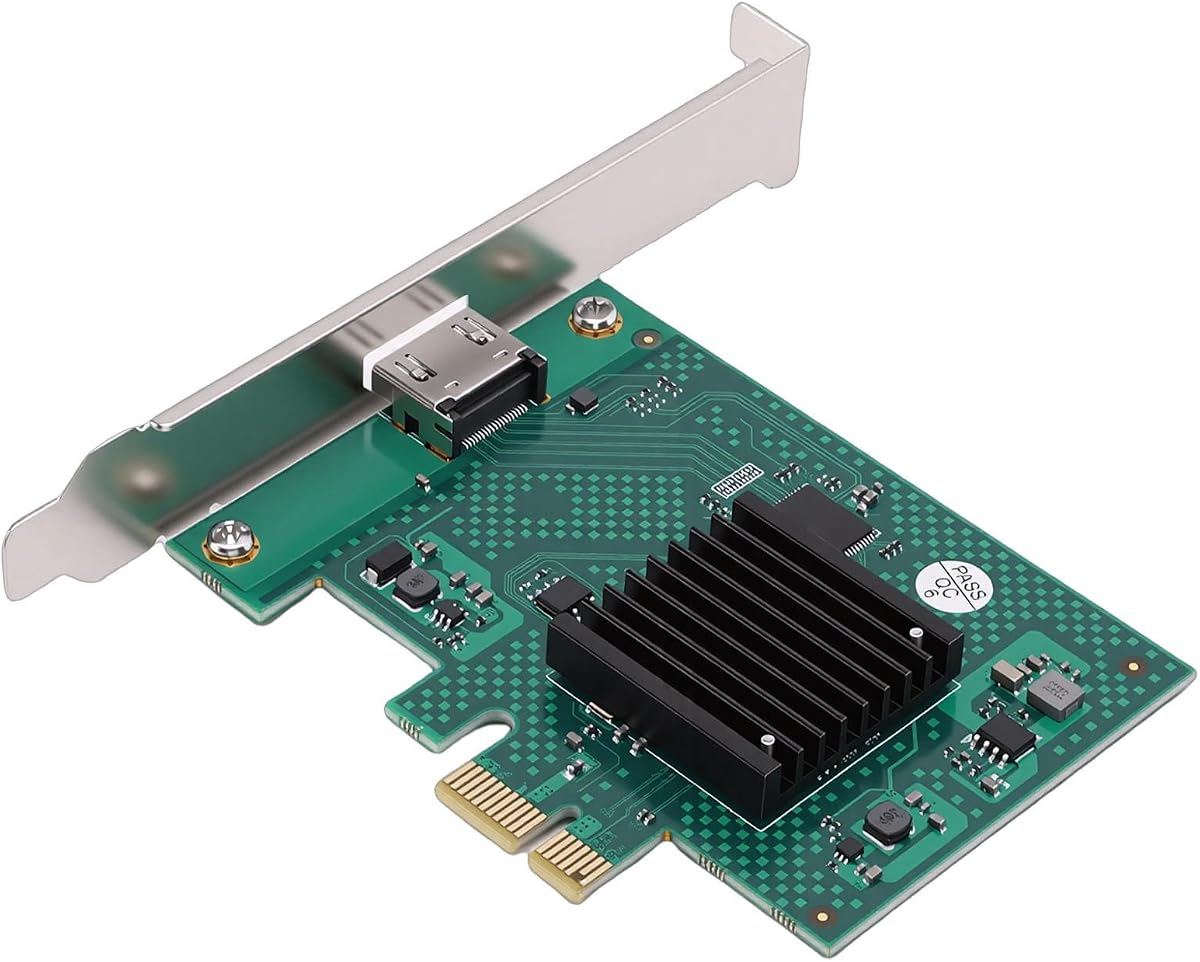


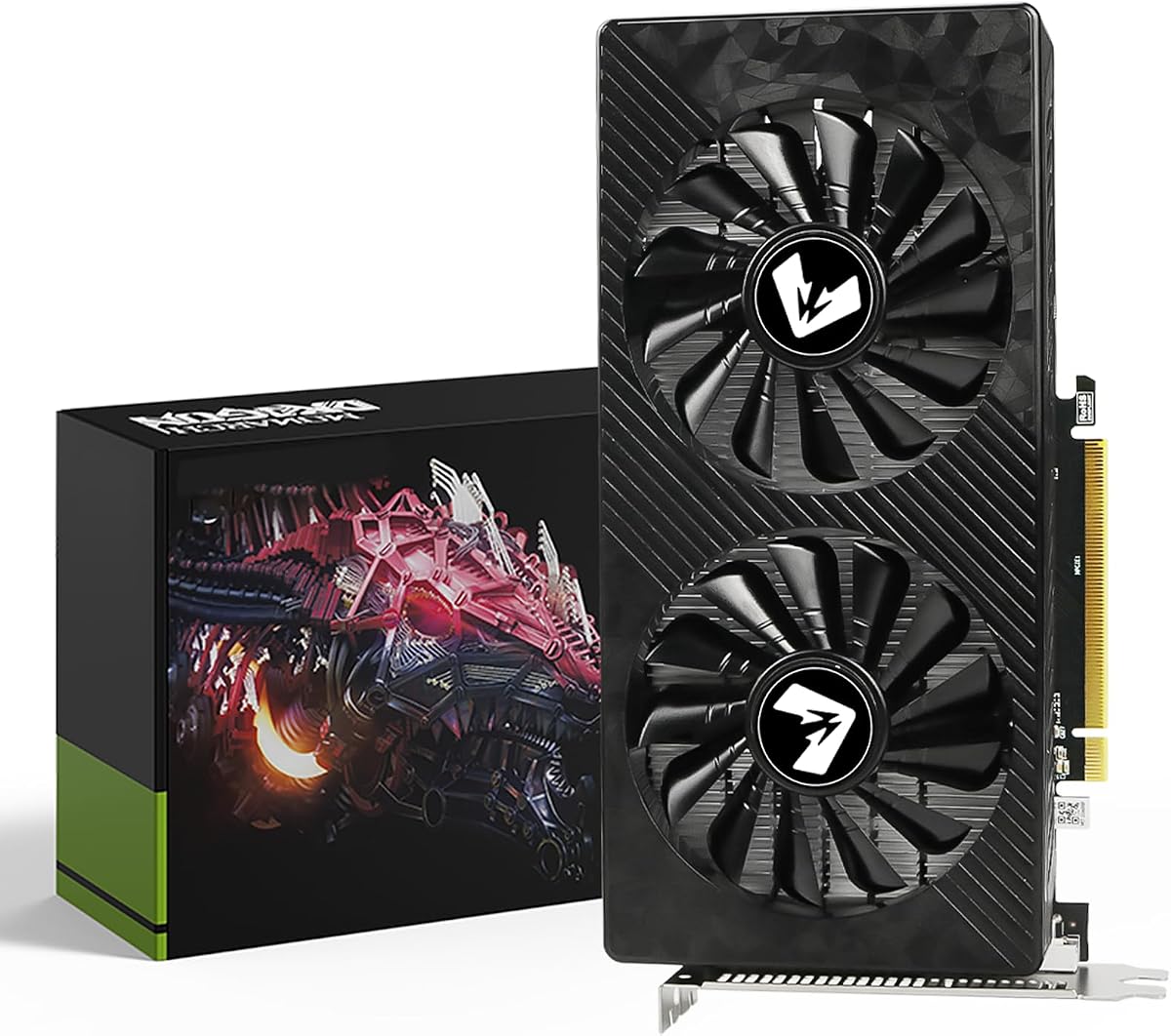
This ASUS Dual GeForce RTX 3050 model stands out as the top choice for Linux users seeking modern performance. With a 4.7 rating, it balances cost and capability effectively.
We may earn a commission when you buy through this link, at no additional cost to you.
Its Ampere architecture delivers strong throughput and efficiency while supporting DLSS and ray tracing. The dual fan cooling ensures quiet operation even during intensive workloads.
While the 6GB memory may limit high-resolution textures, the card remains highly capable for most workflows. Linux driver support is mature, ensuring stable performance.
Buy this if you want a reliable upgrade that fits most cases. It is our top recommendation for Linux graphics performance in 2026.
The 2nd Gen RT Cores and 3rd Gen Tensor Cores enable AI acceleration and improved ray tracing performance on supported Linux kernels.
Axial-tech fan design with a smaller hub increases downward air pressure, providing effective cooling within a compact 2-slot footprint.
We may earn a commission when you buy through this link, at no additional cost to you.
The ASRock Intel Arc Pro B60 Creator card is the ultimate premium choice for Linux professionals needing vast memory capacity. Its 24GB GDDR6 memory handles complex models and large datasets.
We may earn a commission when you buy through this link, at no additional cost to you.
Built on Intel Xe2-HPG architecture, it offers significant AI acceleration and media transcoding. ISV certification ensures stability for professional engineering and design applications.
The PCIe 5.0 interface provides maximum bandwidth while multi-GPU scaling allows you to expand performance. However, it is expensive and drivers are still maturing.
Choose this for high-end Linux workstations where memory and certification matter most. It leads in professional feature sets for 2026.
Validated for major professional software including AI, design, and manufacturing tools ensures stability and reliability in critical Linux workflows.
Optimized for Linux multi-GPU deployments allowing you to scale AI performance across multiple cards for demanding inference tasks.
We may earn a commission when you buy through this link, at no additional cost to you.
The GT 740 4GB Low Profile card offers the best budget entry for Linux office or home theater builds. It enables a quad-monitor setup directly from the box.
We may earn a commission when you buy through this link, at no additional cost to you.
Its 4GB GDDR5 memory handles basic tasks smoothly while the silent cooling ensures minimal noise. Plug-and-play installation works well with modern Linux distributions.
While older and less powerful than newer models, it excels at multi-tasking offices and media playback. The compact design fits small form factor cases perfectly.
Buy this if you need a quiet, multi-monitor Linux PC on a budget. It is the ideal cost-effective solution for basic graphics acceleration.
Four built-in HDMI ports enable a seamless quad-monitor setup ideal for multi-tasking offices, digital signage, or trading desks.
Engineered with low-profile design and includes brackets fitting small form factor cases for flexible installation in tight enclosures.
We may earn a commission when you buy through this link, at no additional cost to you.
The GIGABYTE GeForce RTX 3050 WINDFORCE V2 delivers similar Ampere performance to the ASUS Dual at a competitive price point. It supports modern Linux drivers well.
We may earn a commission when you buy through this link, at no additional cost to you.
Equipped with dual WINDFORCE fans it maintains good temperatures during extended use. The 6GB memory is sufficient for most office and light gaming tasks.
While slightly noisier under load, the performance per dollar is strong. It is an excellent alternative if the ASUS model is unavailable.
Consider this for Linux desktops needing reliable Ampere architecture. It balances cooling and performance effectively for general use.
Powered by Ampere Streaming Multiprocessors with 2nd Gen RT Cores and 3rd Gen Tensor Cores for enhanced ray tracing and AI tasks.
Integrated with 2X WINDFORCE Fans to provide improved airflow and thermal management for consistent performance.
We may earn a commission when you buy through this link, at no additional cost to you.
The PNY T1000 is a professional-grade card delivering stability and high-resolution support for Linux workstations. It is ideal for engineering and design workloads.
We may earn a commission when you buy through this link, at no additional cost to you.
With Turing architecture it handles larger models with more interactivity. The independent video encode engine enables efficient H.264 and HEVC playback.
Although it is based on older architecture, it offers unmatched stability for professional applications. Linux support remains strong through NVIDIA professional drivers.
Buy this for Linux workstations needing multi-monitor high-res displays. It is the best choice for professional Linux users.
Ensures hardware compatibility through certification with over 100 professional software applications and deep ISV developer engagements.
Supports DisplayPort 1.4 driving up to four 5K displays or two 8K displays for immersive multi-monitor workflows.
We may earn a commission when you buy through this link, at no additional cost to you.
The SOYO GT 740 is a low-profile, low-power card that works well for Linux office PCs. It draws power directly from PCIe requiring no external connectors.
We may earn a commission when you buy through this link, at no additional cost to you.
With triple output ports it supports dual or triple monitor setups. The silent cooling system makes it ideal for quiet environments.
Its DDR3 memory is slower than newer models but sufficient for basic tasks. Stability and low power consumption are its main selling points.
Choose this for legacy Linux upgrades needing quiet low-cost performance. It fits slim desktop PCs perfectly.
Features HDMI, DVI, and VGA ports connecting modern monitors or legacy projectors for dual-monitor productivity setups.
Designed for high efficiency drawing power directly from PCIe slot making installation quick and hassle-free for slim PCs.
We may earn a commission when you buy through this link, at no additional cost to you.
The Gugxiom SM750 is a specialized low-cost 2D graphics accelerator for Linux POS or industrial systems. It offers basic display functionality with unique rotation features.
We may earn a commission when you buy through this link, at no additional cost to you.
Its wide operating temperature range makes it suitable for harsh environments. While limited in performance it provides reliable single-display output.
This card is not for gaming or high-performance tasks. It serves specific niche applications requiring cost-effective graphics solutions.
Consider this for Linux kiosks or POS terminals needing basic HDMI. It is the most affordable option available.
Quickly rotate screen images 90, 180, and 270 degrees enhancing versatility in display orientation for improved user experience.
Functions effectively within a wide temperature range ensuring durability and stability in challenging industrial conditions.
We may earn a commission when you buy through this link, at no additional cost to you.
The maxsun RX 550 is an excellent entry-level AMD card for Linux systems needing open-source driver support. It handles everyday tasks and light gaming well.
We may earn a commission when you buy through this link, at no additional cost to you.
With DirectX 12 and OpenGL 4.6 support it runs most modern applications. The compact ITX design fits small PC builds easily.
While not as powerful as higher-end models it offers reliable performance for the price. AMD drivers generally perform better on Linux.
Buy this for budget-friendly Linux builds requiring open-source support. It balances cost and reliability effectively.
AMD Radeon RX 550 chipset provides excellent Linux support ensuring lower temperature and stability compared to proprietary alternatives.
9CM unique fan provides low noise and huge airflow maintaining stable temperatures during extended use.
We may earn a commission when you buy through this link, at no additional cost to you.
The msi GT 1030 delivers reliable performance for Linux desktops needing a compact form factor. It supports HDCP for protected media playback efficiently.
We may earn a commission when you buy through this link, at no additional cost to you.
With DisplayPort and HDMI outputs it connects easily to modern monitors. The single fan design ensures quiet operation in small cases.
DDR4 memory is slower than GDDR5 but sufficient for basic tasks. Stability and efficiency are its primary advantages.
Choose this for Linux office PCs requiring compact silent performance. It is a reliable low-cost option.
Single Fan OC Graphics Card design fits small cases while maintaining stable temperatures during light use.
Provides HDCP support ensuring compatibility with protected content playback on modern Linux media players.
We may earn a commission when you buy through this link, at no additional cost to you.
The MOUGOL RX 580 provides strong budget gaming performance for Linux users needing open-source compatibility. Its 8GB memory handles modern titles well.
We may earn a commission when you buy through this link, at no additional cost to you.
Dual fan cooling maintains stable temperatures while triple display support enables flexible multi-monitor workflows. It fits compact mid-towers easily.
Power consumption is higher than newer models but acceptable for performance. It is excellent for entry-level to mid-range gaming builds.
Buy this for Linux gaming on a budget requiring ample memory. It offers solid value for its class.
Features versatile HDMI, DisplayPort, and DVI array supporting triple-monitor setups for maximum productivity.
Engineered with dual-fan cooling and heat pipes ensuring stable performance under heavy loads.
We may earn a commission when you buy through this link, at no additional cost to you.
Choosing the right Linux graphics card involves balancing driver support, memory capacity, and physical compatibility with your system.
Driver support determines whether your Linux system can fully utilize the hardware. NVIDIA cards generally offer proprietary drivers with robust performance while AMD GPUs often work well with open-source drivers included in most distributions.
Check community forums for your specific distribution before buying to confirm stability and feature availability.
Graphics memory impacts performance in multi-monitor setups and content creation. At least 4GB is recommended for modern workflows and 8GB or more is needed for 3D rendering or AI tasks.
Higher memory ensures smoother performance and extends the lifespan of the card for future software updates.
Many Linux PCs use compact or small form factor cases. Verify your case clearance against the card dimensions to ensure proper installation.
Low-profile cards fit smaller enclosures but often sacrifice cooling capacity.
Some cards draw power solely from the PCIe slot reducing complexity and noise. Others require external power connectors and stronger power supplies.
Confirm your PSU capacity to avoid instability or shutdowns during peak loads.
Modern Linux displays often use HDMI or DisplayPort connections. Ensure the card provides the correct number and type of ports for your monitors.
Multiple outputs are essential for multi-monitor productivity setups.
Match the card to your primary use case. Office work requires minimal GPU power while gaming or design tasks demand higher throughput and specialized features.
Avoid overpaying for unused performance.
Effective cooling maintains stable performance during extended use. Fans or blower designs influence noise levels and thermal efficiency.
Choose quieter options for office environments.
Balance your budget against required features. Entry-level cards are affordable and reliable while premium models offer specialized performance.
Prioritize long-term value over short-term savings.
Install the card into a powered-down system and secure it properly in the PCIe slot. Connect any required power cables before restarting your PC.
Update your Linux system and install necessary drivers immediately after booting. Verify the system recognizes the GPU through command-line tools or settings menus.
Monitor temperatures and clean dust regularly to maintain cooling efficiency. Use quiet settings during office hours to minimize noise.
AMD graphics cards generally offer excellent open-source driver support built into most Linux distributions. NVIDIA cards work well with proprietary drivers that are easy to install and support modern features like ray tracing.
Not necessarily. Integrated graphics are sufficient for basic office tasks. A dedicated GPU helps when you need multiple high-resolution displays or specialized software performance.
At least 4GB is recommended for smooth multitasking and modern applications. Professional workloads like 3D rendering require 8GB or more for efficient performance.
Yes. Most modern gaming GPUs support Linux well and provide powerful compute capabilities for development tasks. Ensure driver compatibility before purchasing.
DisplayPort and HDMI are standard for modern monitors. Ensure the card has enough outputs for your setup and supports the resolutions you need.
No special cooling is required beyond standard cases. Choose models with good fan ratings to maintain low noise and stable temperatures during use.
We reviewed ten top graphics cards balancing performance, compatibility, and value for Linux users in 2026. Our top picks cover budget office needs and high-end professional workloads.
Prioritize driver support and memory capacity when selecting your card. Ensure your system has the physical space and power to accommodate it.
Always check current prices and availability before purchasing as market conditions change. This guide provides a solid foundation for making the right Linux graphics choice.