
BenQ PD2730S
3.7Editor score
Thunderbolt 4 daisy chain
Nano Matte panel technology
90W power delivery
Finding the right display for high-resolution work requires careful consideration of pixel density and color fidelity. A 27 Inch 5K Monitor offers exceptional clarity for creative professionals and gamers seeking sharp visuals without scaling issues.
We evaluated ten leading models based on panel technology, connectivity options, and color gamut coverage. Our analysis focuses on real-world performance for editing, design, and gaming to ensure you find a screen that meets your specific workflow demands.
Each selection highlights unique strengths ranging from professional calibration to high refresh rates. Please note that availability and specific configurations can vary over time, so verify current details before making your final purchase decision for your workspace.
3.7Editor score

3.6Editor score
4.4Editor score
As an Amazon Associate we earn from qualifying purchases.
The following table provides a side-by-side comparison of all ten monitors reviewed in this guide, highlighting their most critical specifications and unique features to assist in your selection process.




The ASUS ProArt PA27JCV stands out as a top choice for creatives requiring precision. It delivers a 27-inch 5K display with factory calibration ensuring Delta E<2 accuracy. The integrated USB-C connection simplifies workflows by handling power and data simultaneously.
We may earn a commission when you buy through this link, at no additional cost to you.
Color accuracy is paramount for design work and this monitor excels with 99% DCI-P3 coverage. The ambient light sensors adjust brightness automatically maintaining consistent visuals. This reduces eye strain during long editing sessions in varying lighting conditions.
While gaming performance is not the primary focus the refresh rate remains adequate for standard tasks. The lack of high refresh rates makes it less ideal for competitive gaming. However for professional users the color fidelity outweighs gaming specific features.
Buyers seeking a reliable Mac compatible display should consider this model strongly. The included warranty provides peace of mind for expensive equipment. Its ability to handle two devices via KVM switch enhances productivity significantly.
The monitor comes factory pre-calibrated ensuring reliable color reproduction straight out of the box. This is essential for graphic designers who need consistent results across different devices.
The built-in Auto KVM allows seamless switching between two computers using a single keyboard and mouse. This feature streamlines multitasking when working with multiple systems simultaneously.
We may earn a commission when you buy through this link, at no additional cost to you.
Samsung offers a compelling option for gamers wanting high resolution without sacrificing speed. The 27-inch panel supports 5K resolution at 180Hz which is rare in this category. Fast IPS technology ensures vivid colors across wide viewing angles.
We may earn a commission when you buy through this link, at no additional cost to you.
The dual mode feature allows users to toggle between 5K clarity and 360Hz QHD for competitive gaming. This flexibility makes it suitable for mixed usage environments. G-Sync compatibility helps eliminate screen tearing during intense gameplay.
For pure productivity tasks the refresh rate may be overkill but does not hinder performance. The HDR10+ support enhances visual depth for media consumption. However those needing deep color calibration might find professional tools limited.
Ideal for gamers who also use their PC for work this monitor balances performance well. The ergonomic stand allows flexible positioning for comfort. Connectivity options include DP 2.1 and HDMI 2.1 for future-ready setups.
Users can switch between 5K at 180Hz for immersive visuals and QHD at 360Hz for rapid action. This adaptability ensures the screen meets both detail and speed requirements.
The 180Hz refresh rate combined with 1ms response time delivers fluid motion during fast-paced games. This is crucial for competitive titles where every frame counts for performance.
We may earn a commission when you buy through this link, at no additional cost to you.
The ASUS ROG XG27JCEG targets serious gamers needing speed and clarity. It features a 5K panel capable of 80Hz but also drops to QHD for 320Hz. The 0.3ms response time effectively eliminates ghosting during rapid movements.
We may earn a commission when you buy through this link, at no additional cost to you.
HDR DisplayHDR 600 certification ensures bright highlights and deep contrasts. This improves visibility in dark scenes without washing out colors. The AI powered features like Dynamic Shadow Boost enhance visual details automatically.
While professional users might not utilize the gaming specific AI tools the display quality is high. The USB-C port offers some power delivery but less than pure pro models. RGB lighting adds a customizable aesthetic touch for gaming setups.
This monitor is best suited for competitive gamers who prioritize performance over color calibration. The connectivity is robust with DisplayPort 1.4 and HDMI 2.1 options. It represents a strong bridge between high-end gaming and productivity.
With a 0.3ms GTG response time this panel minimizes motion blur significantly. This ensures crisp visuals even during the fastest action sequences in games.
AI powered tools like Dynamic Crosshair and Visual provide a competitive edge. These features adjust the screen to highlight targets and improve focus automatically.
We may earn a commission when you buy through this link, at no additional cost to you.
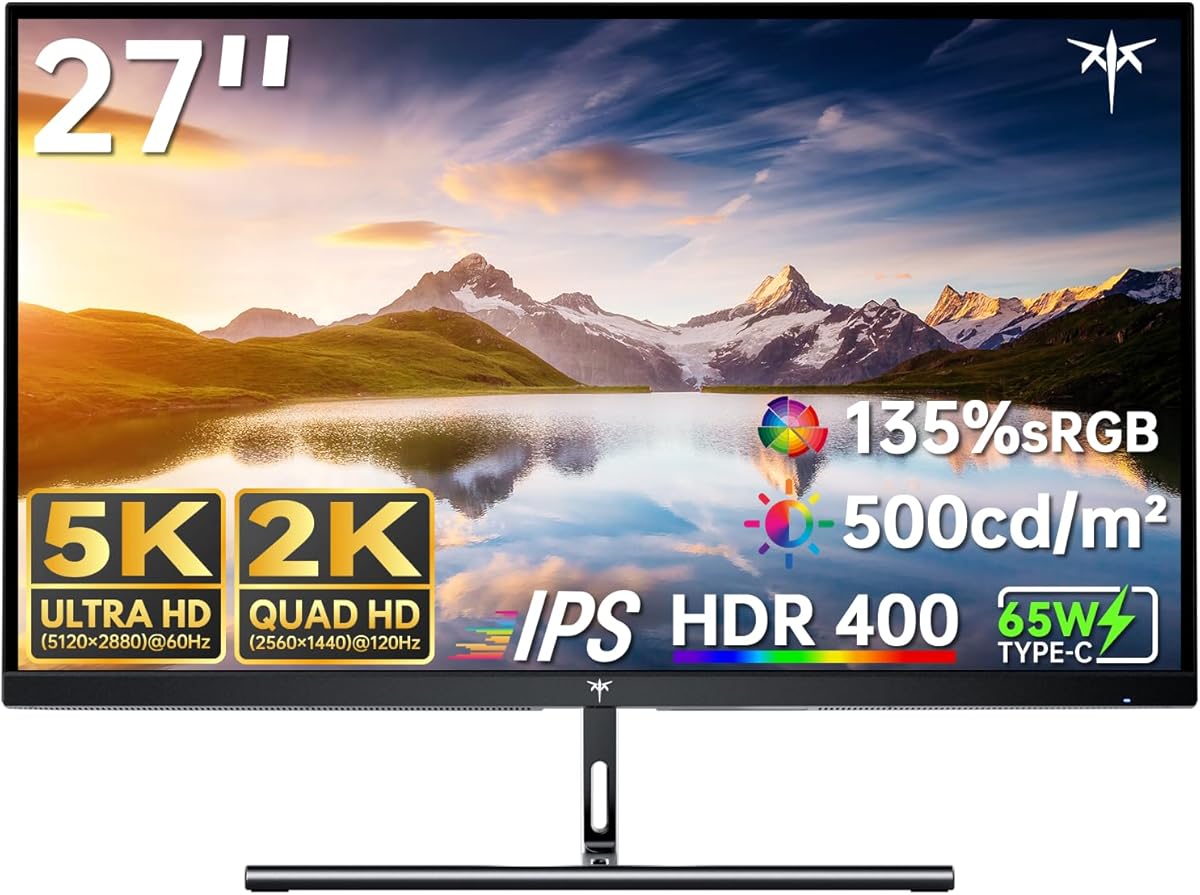
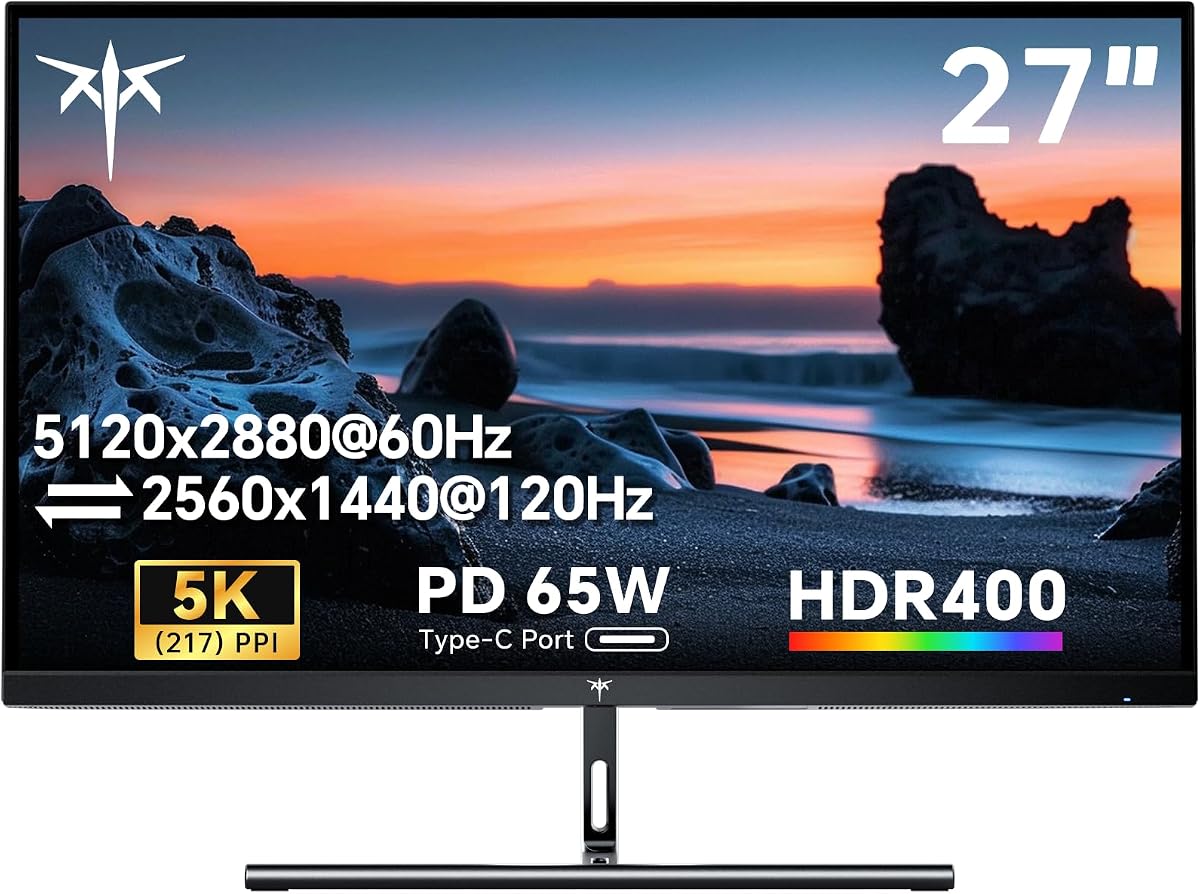
KTC provides an affordable entry into 5K displays for Mac users. The monitor supports 5120×2880 resolution at 60Hz but can switch to 120Hz at 2K. This makes it suitable for both office work and casual gaming.
We may earn a commission when you buy through this link, at no additional cost to you.
Color performance is strong with 100% sRGB coverage ensuring vibrant visuals. The 65W Type-C port allows laptop charging alongside data transfer. Blue light reduction technology helps protect eyes during long usage periods.
While the contrast is standard for IPS panels it performs well in well-lit rooms. The design is functional without extra gaming flair which fits office environments. Warranty support is responsive if users encounter technical issues.
Ideal for budget-conscious creatives who need high resolution without premium pricing. The adaptive sync ensures smooth visuals without tearing. It offers a balanced mix of clarity and flexibility for general computing.
Designed with Mac mini compatibility in mind this monitor simplifies connectivity for Apple users. It supports seamless integration without needing extra dongles or adapters.
The flicker-free and blue light reduction technologies reduce strain during extended sessions. This is vital for professionals who spend hours daily staring at the screen.
We may earn a commission when you buy through this link, at no additional cost to you.
This model offers professional color performance at a highly competitive price point. It covers 99% of DCI-P3 ensuring vivid hues for design work. The Delta E<2 rating confirms accuracy out of the box for creative tasks.
We may earn a commission when you buy through this link, at no additional cost to you.
Users can switch between 5K at 60Hz for detail and 2K at 120Hz for smooth motion. This flexibility caters to diverse needs from editing to multitasking. The HDR400 support adds depth to media consumption.
While it lacks advanced ergonomic adjustments it remains a solid workstation choice. The hardware low blue light is more effective than software solutions. It provides essential features without the high cost of premium brands.
Perfect for students or freelancers needing a capable 5K display on a budget. The 65W charging helps keep laptops powered throughout the day. It represents a smart choice for those prioritizing color fidelity.
With 100% sRGB and 99% DCI-P3 coverage this monitor delivers accurate colors. This is essential for photographers and designers requiring reliable output.
Hardware low blue light and flicker-free tech reduce eye strain significantly. This ensures comfort during long workdays without impacting color accuracy.
We may earn a commission when you buy through this link, at no additional cost to you.
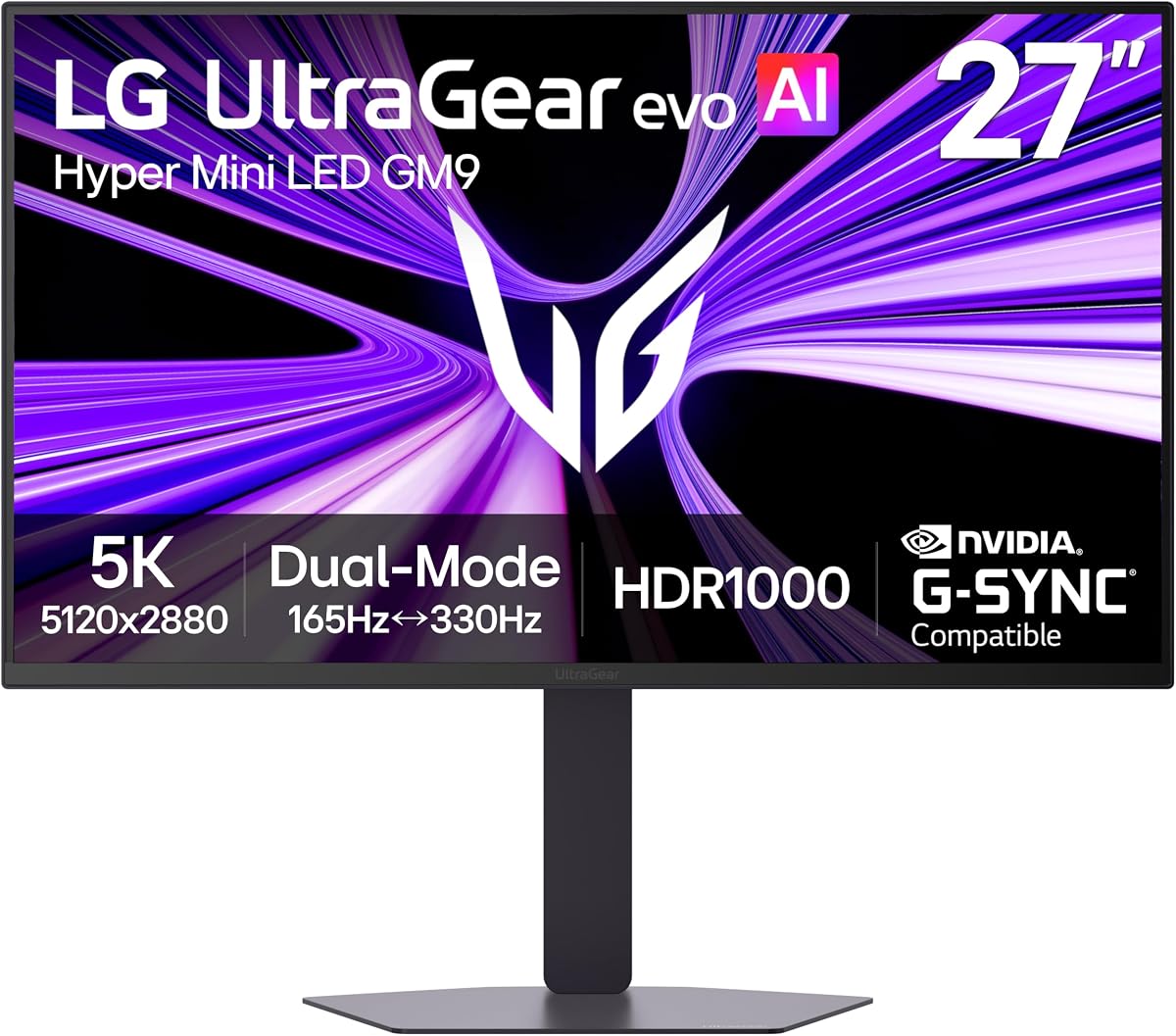
LG introduces a powerful gaming monitor with Mini-LED backlighting. It reaches 1250 nits peak brightness meeting HDR1000 standards for impactful visuals. Over 9,000 LEDs provide precise local dimming for deep blacks.
We may earn a commission when you buy through this link, at no additional cost to you.
The 5K resolution offers incredible detail with sharp textures and UI elements. AI upscaling allows lower resolution content to look better without GPU upgrades. Dual mode supports 5K at 165Hz or QHD at 330Hz.
Connectivity includes DP 2.1 and USB-C with 90W power. This handles modern high bandwidth needs effectively. While firmware updates may be required the performance potential is high for enthusiasts.
Best for gamers seeking the ultimate in contrast and brightness. The Mini-LED technology minimizes blooming compared to traditional panels. It is a top tier option for high-end desktop setups.
With HDR1000 certification the monitor delivers explosive highlights and shadow detail. This brings games and media to life with vivid dynamic range.
Built-in AI processing enhances standard content to look closer to 5K. This helps optimize visuals from older games or videos without hardware changes.
We may earn a commission when you buy through this link, at no additional cost to you.
Dell offers a reliable 4K monitor that bridges work and play seamlessly. The 120Hz refresh rate makes scrolling text and animations smooth. ComfortView Plus reduces blue light without altering color accuracy.
We may earn a commission when you buy through this link, at no additional cost to you.
Sound quality is impressive with re-engineered speakers for a full range. This reduces the need for external audio peripherals on desks. Connectivity focuses on a single USB-C cable for power and data.
While it lacks 5K resolution it is sufficient for most productivity tasks. The 99% sRGB coverage ensures vibrant colors for standard media. It is a solid choice for general business and home use.
Ideal for users who value simplicity and audio quality alongside visuals. The 0.03ms response time minimizes blur effectively. It provides a hassle-free experience for everyday computing.
ComfortView Plus technology cuts harmful blue light emissions significantly. This allows for all-day usage while maintaining color consistency.
Built-in speakers offer improved frequency response compared to older models. This adds convenience by eliminating the need for separate external speakers.
We may earn a commission when you buy through this link, at no additional cost to you.
LG provides a versatile display with 95% DCI-P3 color gamut expression. HDR400 support adds depth to images and videos viewed on screen. It includes a built-in webOS platform for streaming media directly.
We may earn a commission when you buy through this link, at no additional cost to you.
Ports include USB-C with 90W power and multiple HDMI options. This connectivity allows easy connection to laptops and consoles. The ergonomic stand permits height tilt and pivot adjustments easily.
While 4K is standard this monitor excels in creative work reliability. The Black Stabilizer helps gaming performance by brightening dark scenes. It suits users wanting a single monitor for multiple uses.
Best for designers needing accurate colors and multimedia capabilities. The sound system uses MaxxAudio for a richer experience. It offers a complete package for a professional desk setup.
The integrated webOS platform allows streaming shows and movies without a PC. This provides a convenient way to relax directly from the monitor.
95% DCI-P3 coverage ensures vibrant and realistic colors for creative work. This accuracy helps align outputs with industry standards.
We may earn a commission when you buy through this link, at no additional cost to you.
BenQ targets professional artists with a high-fidelity 5K display. The Nano Matte panel diffuses ambient light to prevent glare on the screen. This is crucial for color-accurate work in varied environments.
We may earn a commission when you buy through this link, at no additional cost to you.
Thunderbolt 4 connectivity supports 90W power and 40Gbps data. It enables daisy chaining two 5K monitors for expansive setups. The built-in KVM switch allows controlling two systems with one keyboard.
With 2000:1 contrast deep blacks enhance visual storytelling tasks. Uniformity across the screen ensures consistent results from edges to center. It aligns perfectly with Mac color standards for reliable output.
Ideal for 3D artists and VFX animators requiring top-tier precision. The wireless Hotkey Puck simplifies workflow switching significantly. It is a premium investment for dedicated creative professionals.
The Nano Matte technology diffuses light to eliminate reflections effectively. This ensures comfort during long design sessions under bright lighting.
The wireless Hotkey Puck allows easy system switching with the touch of a button. This enhances productivity when managing multiple Mac or PC systems.
We may earn a commission when you buy through this link, at no additional cost to you.
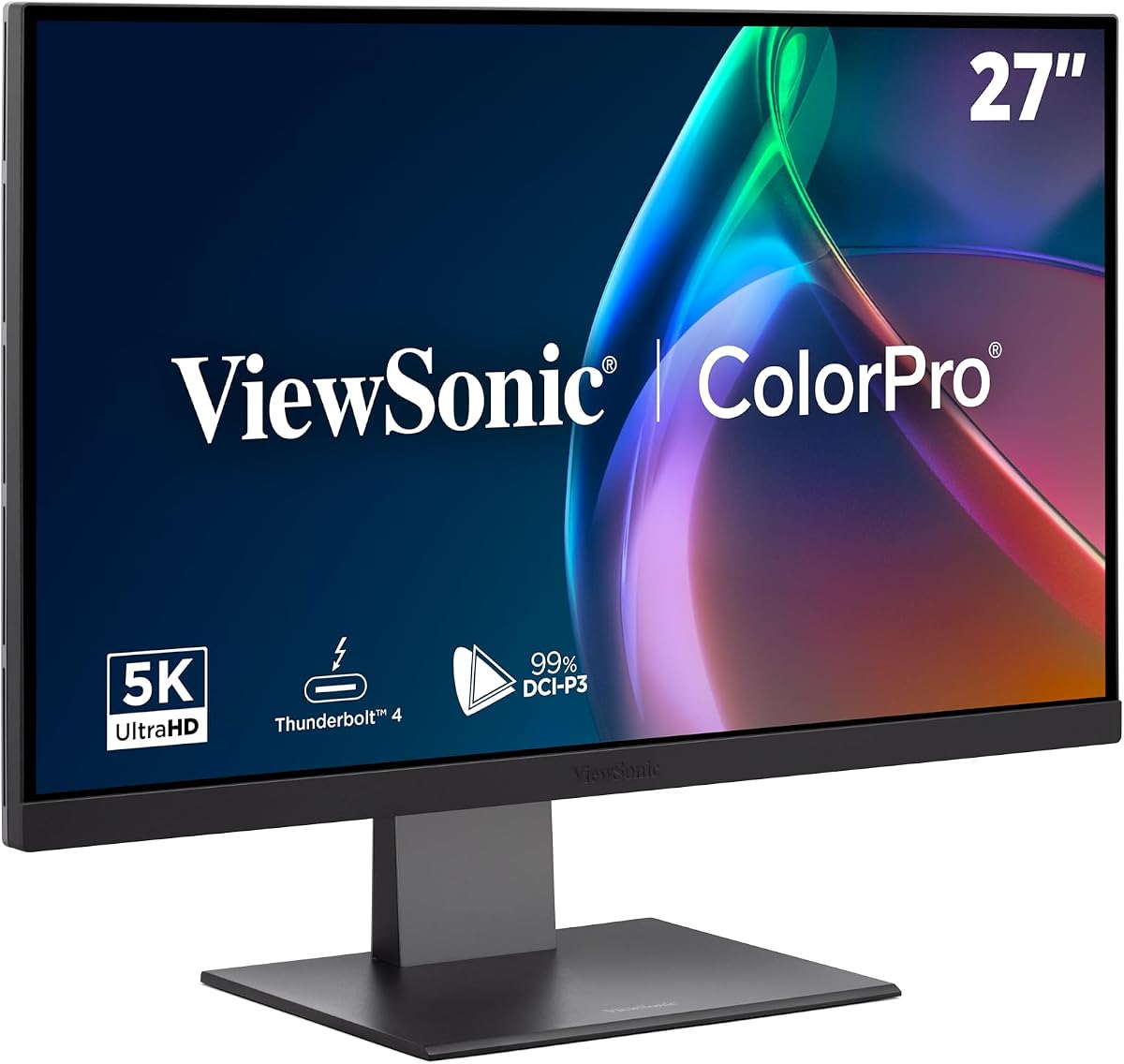
ViewSonic delivers a display tailored for design professionals seeking precision. Pantone Validated certification ensures pinpoint color fidelity for accurate outputs. It supports 100W power delivery which is rare for this category.
We may earn a commission when you buy through this link, at no additional cost to you.
The frameless design allows seamless daisy chaining up to two 5K units. This creates a unified large display experience for complex workflows. Thunderbolt 4 ensures high-speed data and video over one cable.
Color spaces cover 100% sRGB and 99% DCI-P3 for broad compatibility. Ergonomic adjustments help achieve the perfect viewing angle for health. It aligns with industry standards for professional creative editing.
Best for graphic designers needing reliable color proofing capabilities. The high power delivery keeps laptops fully charged during work. It offers a robust solution for high-end creative workstations.
The monitor is certified to reproduce Pantone Matching System colors accurately. This ensures confidence when producing professional-tier creative outputs.
Integrated Thunderbolt 4 output supports daisy chaining two 5K monitors easily. This frameless design creates a unified workspace for large projects.
We may earn a commission when you buy through this link, at no additional cost to you.
Selecting the right monitor depends on your specific workflow and budget requirements. This guide covers key factors to consider for making an informed decision.
A 27 Inch 5K Monitor typically offers a resolution of 5120×2880 with high PPI. This density ensures text is sharp without needing scaling which is vital for creative work. Higher PPI reduces eye strain by making UI elements crisp.
Prioritize 5K resolution if you need detailed workspace for design or coding. Standard 4K may suffice for general use but 5K provides more screen real estate.
IPS panels are standard for wide viewing angles and consistent colors. Look for monitors with high DCI-P3 or sRGB coverage for accurate reproduction. Professional-grade color accuracy often requires factory calibration or Delta E ratings.
Check color gamut specs to ensure they match your industry standards. Designers should aim for 99%+ DCI-P3 while general users may prefer sRGB coverage.
USB-C connectivity simplifies setups by allowing power delivery and video together. Thunderbolt 4 supports high bandwidth for daisy chaining multiple displays easily. HDMI and DisplayPort versions determine max resolution and refresh rates supported.
Verify that the ports match your laptop's capabilities to avoid bottlenecks. Ensure the monitor provides enough wattage to charge your device efficiently.
Standard productivity monitors offer 60Hz which is adequate for office tasks. Gamers require higher refresh rates like 120Hz or more for smooth motion. Dual mode options allow switching between high resolution and high speed.
Consider your primary use case when selecting refresh rate. Static work benefits from detail while gaming needs speed and responsiveness.
An adjustable stand with tilt and height control promotes better posture. VESA mount compatibility allows flexible positioning or arm attachment. Built-in KVM switches help reduce cable clutter when using multiple PCs.
Invest in features that reduce neck strain during long working hours. Comfortable positioning is key to maintaining focus and health.
Flicker-free technology and blue light filters protect eyes during long sessions. Hardware filters are generally more effective than software adjustments. Look for certifications that validate these comfort claims.
Prioritize models with these features if you work late or suffer eye fatigue. Reducing strain improves productivity and overall well-being.
HDR capabilities enhance contrast and brightness for media consumption. VESA DisplayHDR ratings indicate the quality of HDR implementation on the panel. Higher brightness and local dimming zones improve visual depth significantly.
Check the HDR rating if you watch movies or games frequently. Standard HDR400 is basic while higher ratings offer better dynamic range.
Longer warranties provide peace of mind for expensive hardware investments. Responsive customer support is essential for resolving technical issues quickly. Some brands offer extended protection through registration.
Review warranty terms carefully before purchase to understand coverage. Reliable support ensures your investment remains protected over time.
Use the USB-C or Thunderbolt connection for a clean setup with modern laptops. This single cable handles video data and power efficiently. Adjust brightness to match room lighting using ambient sensors or OSD menus.
Clean the screen gently with a microfiber cloth to avoid scratches. Avoid using abrasive cleaners or excessive water which can damage coatings. Dust the stand and ports regularly to maintain optimal connectivity.
Update monitor firmware using manufacturer tools to fix bugs and improve performance. Calibrate colors periodically using hardware probes for professional accuracy. Proper ventilation prevents overheating during intensive use like rendering.
Yes, it offers sharper text and more workspace without scaling. The higher pixel density is beneficial for design and coding tasks.
Many models support high refresh rates for gaming. Check the specs for refresh rate and adaptive sync compatibility before buying.
Use high-quality HDMI 2.1 or DisplayPort 1.4 cables. USB-C with Thunderbolt 4 also supports 5K with power delivery.
Most support macOS via USB-C or Thunderbolt. Some brands offer specific models tuned for Mac color standards and resolution.
Use built-in blue light filters and flicker-free features. Adjust brightness and take regular breaks to reduce strain during work.
Only if the monitor supports Thunderbolt 3 or 4 daisy chaining. Check the specific model specs for multiple display support capabilities.
This guide highlights top options ranging from professional color panels to high-speed gaming displays. Models like the ASUS ProArt and BenQ PD2730S lead in precision for creatives.
Prioritize color accuracy for design work and refresh rate for gaming needs. Connectivity like USB-C and Thunderbolt ensures future-ready setups for most users.
Always verify current availability and specific configurations before purchasing. Prices and features may change over time so double-check details on the official product page.