
BenQ TH671ST
4.4Editor score
Full HD 1080p resolution
Ultra-fast low input lag
Short throw projection design
This guide compares the top Benq projectors for golf simulators, evaluating brightness, resolution, and throw distance to help you choose the ideal display.
Finding the right projector is essential for building a realistic indoor golf simulator. A high-quality display ensures crisp visuals and accurate color representation for an immersive training experience.
We compared ten top models based on brightness, resolution, and throw distance. Our analysis covers short-throw options and versatile projectors suitable for various room sizes and setups.
Each pick highlights key features and performance metrics to guide your decision. Note that availability and specific offers may change over time so verify details before purchasing.
4.4Editor score

3.5Editor score

5.0Editor score
This side-by-side comparison evaluates all ten models to help you find the perfect fit for your indoor golf simulation needs based on key specifications.
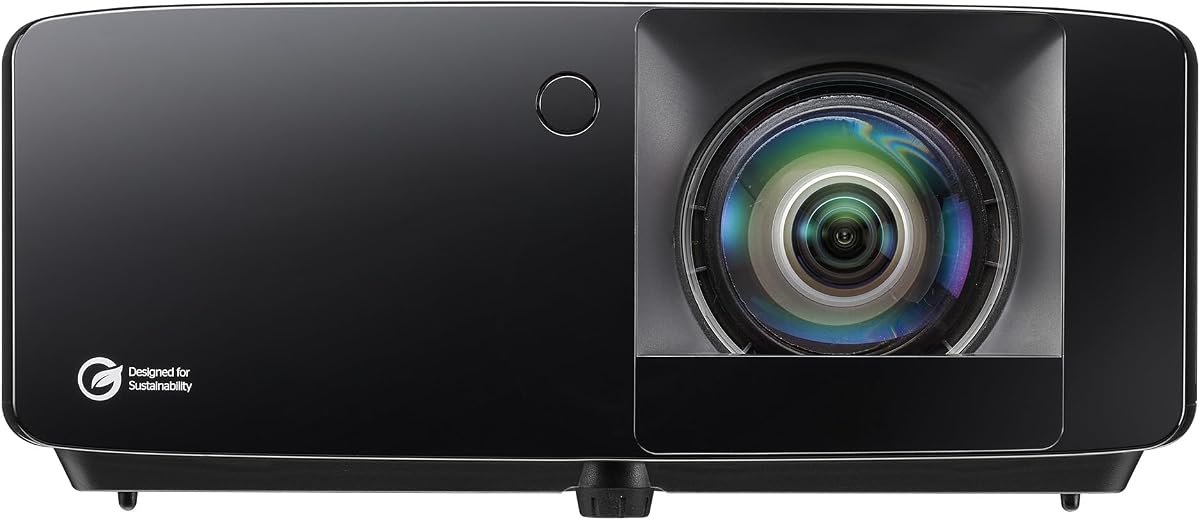
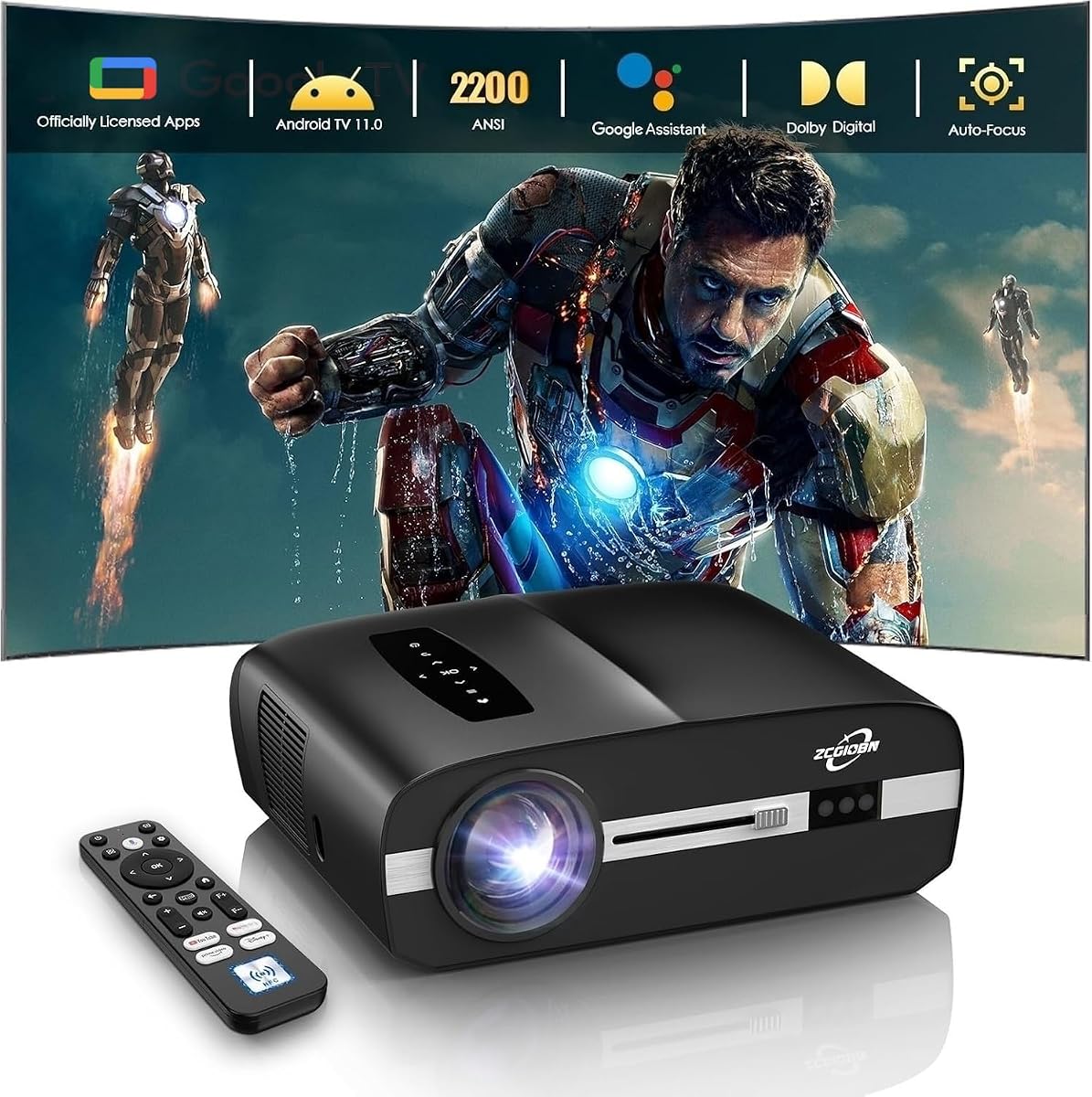


The BenQ AH700ST stands out as a top choice for indoor golf setups. With 4000 ANSI lumens and Full HD resolution, it delivers vibrant visuals that keep your virtual course looking sharp.
We may earn a commission when you buy through this link, at no additional cost to you.
Its dedicated Golf mode optimizes color accuracy and clarity for realistic fairway textures. The short-throw design allows placement close to the screen, minimizing shadows cast by your swing.
While the resolution is not 4K, the brightness ensures clear images even with ambient light. Users appreciate the long laser lifespan which reduces maintenance needs over time.
If you need a reliable projector specifically tuned for golf simulation, the AH700ST offers a strong balance of performance and features. It is an excellent choice for serious home golfers.
The Golf picture mode enhances greens and skies for a more authentic training environment.
Short throw capability allows the projector to be placed safely out of the swing path.
We may earn a commission when you buy through this link, at no additional cost to you.
The BenQ TH671ST offers an affordable entry point into golf simulation. It delivers Full HD 1080p resolution with 3000 lumens of brightness suitable for dimmer rooms or controlled lighting.
We may earn a commission when you buy through this link, at no additional cost to you.
Its low input lag ensures responsive performance which is crucial when interacting with swing analysis software. The short throw lens allows for a large image from a distance of about five feet.
While it lacks a dedicated Golf mode, its color accuracy and contrast still produce clear visuals. It is a great option for those wanting big screen performance without a high price tag.
For budget-conscious buyers looking for a versatile projector, the TH671ST provides solid performance. It works well for casual golf training and general entertainment needs.
Ultra-fast input lag ensures smooth playback of dynamic swing data and video feeds.
Short throw design enables flexible mounting in smaller rooms or garages.
We may earn a commission when you buy through this link, at no additional cost to you.
The BenQ LK936ST is a powerhouse for premium golf setups. Native 4K resolution paired with 5100 ANSI lumens provides stunning detail and brightness even in brightly lit spaces.
We may earn a commission when you buy through this link, at no additional cost to you.
Its short-throw lens ensures the image is large without needing excessive room depth. This is ideal for maintaining a natural swing path without obstruction from the projector.
The laser light source guarantees consistent brightness over 20000 hours reducing long-term costs. Connectivity options like dual HDMI 2.0b allow easy integration with PCs and consoles.
If you demand the best visual fidelity for your simulator, the LK936ST is the top choice. It offers professional grade performance for serious training environments.
Native 4K pixels deliver razor sharp edges and vibrant colors for accurate ball tracking.
Multiple HDMI and DisplayPort inputs ensure seamless connection with all golf software.
We may earn a commission when you buy through this link, at no additional cost to you.
The Optoma GT3900UHD offers a true 4K experience with an ultra short throw lens. It projects large images from a short distance making it perfect for compact golf setups.
We may earn a commission when you buy through this link, at no additional cost to you.
With 4000 lumens and DuraCore laser, it delivers bright consistent visuals for thousands of hours. Low input lag ensures smooth response when reviewing real time swing data.
The HDR compatibility enhances contrast and color depth for a more realistic course look. However, its very short throw may restrict mounting options in some larger rooms.
Ideal for those wanting 4K quality in a smaller footprint, the GT3900UHD is a strong contender. It combines modern tech with reliable performance.
0.496:1 throw ratio allows projection from almost any position without shadows.
Up to 30000 hours of lamp free operation ensures long term reliability.
We may earn a commission when you buy through this link, at no additional cost to you.
This 4K projector offers an affordable way to get 4K visuals for your simulator. It provides 2200 ANSI lumens and HDR10 support for vibrant colors and clear detail.
We may earn a commission when you buy through this link, at no additional cost to you.
Features like Auto Focus and Auto Keystone simplify setup significantly. The Google TV OS allows streaming apps directly which is convenient for general entertainment.
Since it is not a short throw model, it requires careful placement to avoid obstruction. The sealed engine helps protect against dust which is useful in garage environments.
For budget shoppers wanting 4K resolution without a premium price, this unit is a great fit. It balances features and cost effectively for home use.
Built in Google TV allows access to streaming apps without extra hardware.
Auto Focus and Keystone correction make image alignment fast and simple.
We may earn a commission when you buy through this link, at no additional cost to you.
The BenQ TH575i brings smart TV features to a home projector. With 3800lm brightness it offers clear images in various lighting conditions suitable for day or night practice.
We may earn a commission when you buy through this link, at no additional cost to you.
Its ultra-low 16.7ms input lag ensures responsive visuals for fast moving content. The included Google TV dongle provides easy access to streaming services and apps.
Four picture modes help tailor the image for different types of content. While it lacks 4K, the brightness and smart features make it a flexible entertainment choice.
If you value smart functionality and brightness over 4K detail the TH575i is worth considering. It simplifies your setup by reducing extra devices.
Google TV dongle enables direct streaming without needing a separate media box.
Ultra-low input lag keeps the action smooth for gaming and sports viewing.
We may earn a commission when you buy through this link, at no additional cost to you.
The BenQ LU935ST delivers exceptional brightness with 5500 ANSI lumens. This makes it suitable for well lit rooms where image clarity must be maintained.
We may earn a commission when you buy through this link, at no additional cost to you.
WUXGA resolution provides a bit more vertical detail than standard Full HD. The short throw ratio helps reduce shadows and allows for compact setups.
Lens shift options allow for image adjustment without moving the projector itself. This adds flexibility for mounting in complex room layouts.
For users needing maximum brightness in a short throw form, the LU935ST stands out. It is a robust option for professional or demanding home use.
1920×1200 resolution offers sharper text and graphics for detailed data overlays.
Large lens shift range helps perfect image alignment without moving the unit.
We may earn a commission when you buy through this link, at no additional cost to you.
The BenQ W4100i combines 4K HDR capability with Android TV streaming. True 4K resolution ensures sharp details for golf course textures and graphics.
We may earn a commission when you buy through this link, at no additional cost to you.
3200 Lumens brightness is sufficient for typical indoor environments. LED light source offers long life and stable color performance over time.
2D lens shift and 1.3x zoom provide setup flexibility. This is helpful for ceiling mounting and avoiding swing zones in larger rooms.
While not a short throw, its features make it a strong all rounder. It is ideal for users who want cinema quality alongside golf simulation.
HDR technology enhances contrast for more realistic lighting on the course.
Built in Android TV allows direct access to streaming apps and content.
We may earn a commission when you buy through this link, at no additional cost to you.
The ViewSonic LS740W offers 5500 Lumens brightness and a specialized Golf Mode. This mode is designed to boost greens and blues for lifelike play.
We may earn a commission when you buy through this link, at no additional cost to you.
Laser light ensures reliable performance over time without frequent maintenance. 360 degree projection adds flexibility for unique architectural layouts.
Resolution is WXGA which is lower than Full HD but still acceptable for general visuals. Instant power-on saves time during quick sessions.
For commercial facilities or bright spaces, the LS740W is a strong option. Its Golf Mode makes it specifically tuned for simulation needs.
Specialized Golf Mode enhances course colors for more accurate visual feedback.
Long lasting laser source minimizes maintenance needs for consistent use.
We may earn a commission when you buy through this link, at no additional cost to you.
The GoSports Cover provides floor mounted protection for your projector. It blends into turf setups and avoids the cost of ceiling mounting hardware.
We may earn a commission when you buy through this link, at no additional cost to you.
Made from durable HDPE it protects against mishits during swing practice. Side vents ensure airflow to keep the projector cool during use.
It fits most common projector models but requires careful sizing. The polycarbonate front can be removed for extra cooling if needed.
For safety and convenience, this cover is an essential accessory. It simplifies installation and protects your investment in high quality gear.
Placing the projector on the floor avoids ceiling mounting and reduces obstruction.
Designed to fit most common projector sizes for easy replacement compatibility.
We may earn a commission when you buy through this link, at no additional cost to you.
Selecting the right projector requires considering brightness resolution and throw distance to match your room and budget.
Brightness determines how well the image stands out in your room. Aim for 3000 lumens or more for indoor garages with ambient light.
Higher lumens ensure crisp visuals even when lights are on during day time practice.
Resolution affects the clarity of your virtual course. Full HD 1080p is standard and works well for most setups.
Consider 4K if you want sharper details but note the higher cost and setup requirements.
Throw distance dictates how far the projector must be from the screen. Short throw models allow larger images in small rooms.
Short throw helps keep the projector out of your swing path for safer practice sessions.
Low input lag ensures your on screen actions match your physical movements. Look for input lag under 20ms for smooth simulation.
High input lag can cause delays in swing data analysis making training less effective.
Ensure the projector has enough HDMI ports for your PC and console. USB ports allow for firmware updates or media playback.
HDMI 2.0 or higher supports modern video standards for better performance and quality.
Laser sources last longer and maintain brightness better than lamp based models. LEDs offer lower heat but may have less brightness.
Choose laser for low maintenance and stable performance over many years of use.
Specialized Golf modes optimize color accuracy for greens and skies. These settings enhance realism during training sessions.
Check if the projector offers preset modes that enhance virtual course visuals.
Consider where you plan to mount the projector. Ceiling mounts require wiring while floor models offer flexibility.
Keystone correction and lens shift help adjust the image without moving the projector.
Place the projector on a stable surface using a ceiling mount or the GoSports floor cover. Ensure it faces the screen directly for minimal distortion.
Connect your gaming PC or console via HDMI. Configure your graphics settings to match the projector's resolution for best visual output.
Clean the lens gently with a microfiber cloth. Keep air vents clear of dust to prevent overheating during long practice sessions.
For most indoor setups, 3000 to 4000 lumens is ideal. This ensures clear images even in rooms with some ambient light.
Short throw is recommended to avoid shadows and keep the unit away from your swing. It maximizes space in smaller rooms or garages.
Yes but you need low input lag and good brightness. Standard projectors may require specific placement to avoid blocking your view.
A Golf mode helps optimize colors for the course but is not strictly required. Good brightness and contrast can also yield realistic visuals.
Use a floor mount cover like the GoSports enclosure to shield it from stray balls. This avoids ceiling mounting and reduces risk.
Yes most projectors have HDMI inputs for PC connection. Check your cable length to ensure it reaches your setup easily.
Laser projectors have longer lifespan and stable brightness. Lamps require replacement over time and may degrade faster with use.
Many projectors have built in speakers but an external system improves audio quality. Check the audio output options for your specific model.
We compared ten top models offering brightness and resolution to suit various budgets and room sizes.
Prioritize brightness and throw distance to ensure a safe and clear swing environment. Low input lag is key for accurate data feedback.
Check current availability and features before buying to ensure your setup meets all your needs.