
Creality Ender 5 Max
4.0Editor score
400mmx400mmx400mm build
700mm/s high speed
64-point auto leveling
This guide compares the top FDM printers for large prints focusing on build volume speed multi-material capabilities and reliability for professional and
Finding the right FDM printer for large prints requires balancing build volume speed and material compatibility. Large format machines enable creators to produce oversized prototypes without seams. They demand robust frames and precise motion systems to ensure quality across extended dimensions.
We evaluated ten leading models based on their build envelopes speed ratings and user feedback. Each printer was assessed for reliability ease of use and support for advanced filaments. Our list highlights machines that excel in stability and throughput for demanding workflows.
Each pick below shows specific strengths like auto-leveling or multi-color support. Prices and availability change frequently so verify current details before buying. These selections cover diverse needs from hobbyists to professional workshops seeking efficient large-scale production.
4.0Editor score

4.5Editor score

4.5Editor score
This side-by-side comparison outlines key specifications for each model including build dimensions speed capabilities and special features. Use it to identify which printer aligns best with your specific large format printing requirements and budget constraints.



The Bambu Lab P1S is a high-performance FDM printer known for speed and reliability. It earns our Editor's Choice award for balancing large print capabilities with user-friendly features. Its enclosed design and auto leveling make it suitable for various materials.
We may earn a commission when you buy through this link, at no additional cost to you.
Its standout qualities include speeds up to 500mm/s and 20000 mm/s² acceleration which significantly reduce print times. The enclosed body improves performance with advanced filaments like ABS. Auto bed leveling ensures high-quality prints without manual adjustments.
While it supports up to 16 colors connecting the AMS is required for multi-material printing. This adds cost but enables vibrant designs. The 15-minute setup allows users to start printing quickly. Overall it offers excellent value for serious creators.
Buyers seeking a reliable machine with fast speeds and ease of use should consider this model. It handles complex prints well and minimizes interruptions. Verify current prices before purchasing as deals vary often.
The high speed and acceleration reduce wait times for large prints ensuring efficient workflows.
The fully enclosed body helps maintain temperature stability for better results with engineering materials.
We may earn a commission when you buy through this link, at no additional cost to you.
The Snapmaker U1 features a unique 4-toolhead system that enables true multi-color printing without manual swaps. Its robust locking mechanism ensures reliability. This printer is ideal for professionals needing complex multi-material parts efficiently.
We may earn a commission when you buy through this link, at no additional cost to you.
Key strengths include a tool changer that takes just 5 seconds reducing waste and time. It combines rigid and flexible materials in one print. Smart calibration delivers accurate dimensions with minimal manual adjustment. The built-in model library simplifies starting new projects.
The price point is higher than standard FDM printers but justified by the advanced tooling system. Beginners may find the features complex but professionals will value the productivity gains. The one-year warranty adds peace of mind.
Consider this model if you need true multi-material capabilities and speed. It suits workshops focused on efficient prototype production. Check current availability as stock may vary.
Independent toolheads preloaded and preheated eliminate purging and reduce waste during color changes.
Users can mix materials like TPU and PETG seamlessly for functional parts and detailed prototypes.
We may earn a commission when you buy through this link, at no additional cost to you.
The Creality Ender 5 Max offers a massive 400mmx400mmx400mm build volume at a competitive price. It targets users needing oversized prints without splitting models. This makes it a top choice for budget-conscious creators seeking scale.
We may earn a commission when you buy through this link, at no additional cost to you.
Its CoreXY system delivers speeds up to 700mm/s improving productivity. The all-metal frame ensures stability for tall models. Automatic 64-point leveling simplifies setup. The dual-gear extruder supports continuous printing with minimal clogging.
While it requires some calibration the features are robust for the price. It supports many filaments including ABS and ASA. Multi-printer control via WLAN is useful for farms. Users should verify bed adhesion settings for large parts.
Buyers needing large volume prints without high costs should consider this model. It suits expanding print farms or prototyping workshops. Check current deals as prices fluctuate regularly.
The expansive build volume allows creating oversized parts without seams saving time on assembly.
Die-cast aluminum frame minimizes vibration ensuring accuracy during high-speed large format prints.
We may earn a commission when you buy through this link, at no additional cost to you.
The Creality K2 Plus Combo combines large build volume with advanced multi-color capabilities. It supports 16 colors via CFS units. This printer targets users wanting automation and high throughput without compromising quality.
We may earn a commission when you buy through this link, at no additional cost to you.
Key features include 600mm/s speeds with 30000mm/s² acceleration. The Matrix frame structure ensures rigidity and precision. Dual AI cameras monitor prints for failures automatically. The constant temperature chamber enables high-end materials like ASA.
The price is higher than standard models but reflects the feature set. Beginners might find the setup complex. However the automation benefits save time in long runs. Users should check filament compatibility before buying.
Consider this model for professional workflows needing color variety. It suits businesses scaling production efficiently. Verify current availability as supply varies.
The CFS system allows instant filament selection enabling vibrant prints without manual swapping.
Step-servo motors and rigid frame maintain accuracy even at extreme acceleration rates.
We may earn a commission when you buy through this link, at no additional cost to you.
The ANYCUBIC Kobra X focuses on efficiency and reduced waste for print farms. It supports native 4-color printing and up to 19 with expansion. This makes it attractive for custom orders needing vibrant colors.
We may earn a commission when you buy through this link, at no additional cost to you.
Its LeviQ 3.0 leveling ensures flawless first layers automatically. The top-mount design saves space allowing high-density setups. AI monitoring prevents damage and recovers from power loss. A Benchy prints in just 14 minutes.
While the build volume is smaller than some competitors it maximizes throughput per spool. Users seeking profitability will appreciate the waste reduction. Verify current pricing as costs can shift with market changes.
Buyers needing scalable solutions for batch production should consider this model. It suits businesses optimizing space and material costs. Check availability for current stock levels.
The shortens filament change length by reducing purge waste saving material costs significantly.
Top-mount architecture allows fitting more printers on a single workbench for higher density output.
We may earn a commission when you buy through this link, at no additional cost to you.
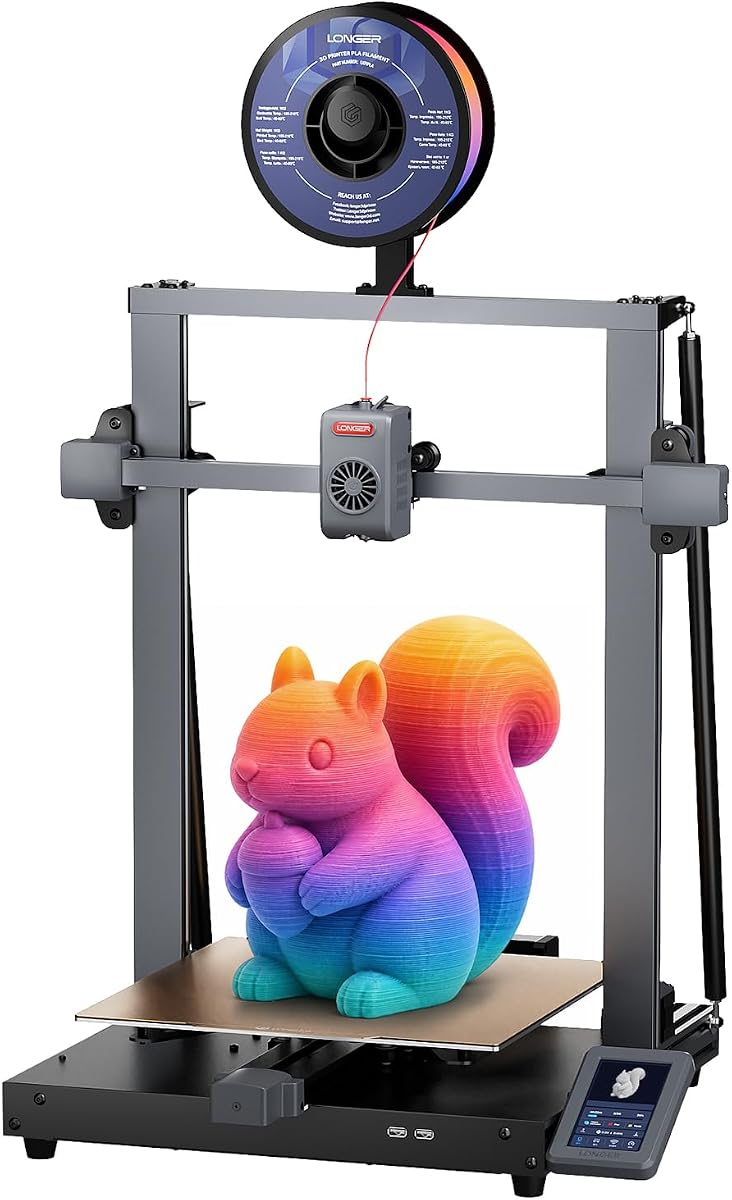
The LONGER LK10 Plus offers a large vertical build volume suitable for tall parts. It uses Klipper firmware for high-speed performance. This printer targets makers needing reliable large prints without high costs.
We may earn a commission when you buy through this link, at no additional cost to you.
Key strengths include 500mm/s speeds with stable quality. The direct drive extruder supports various filaments. Eddy current sensor technology ensures precise leveling. Dual-band WiFi enables stable remote control during long jobs.
The price is competitive for the build size. Users should adjust settings for ABS to avoid warping. It suits general prototyping needs well. Verify current pricing as deals vary often.
Consider this model for versatile large format projects. It suits hobbyists or small shops. Check current availability for stock updates.
Klipper enhances printing efficiency allowing fast production while maintaining stable print quality.
The large height supports tall engineering projects without requiring model splitting.
We may earn a commission when you buy through this link, at no additional cost to you.
The QIDI Max4 Combo targets professional users needing industrial-grade performance. It offers a large build volume and active chamber for engineering materials. This model earns Best Premium for its advanced features and reliability.
We may earn a commission when you buy through this link, at no additional cost to you.
Its 800mm/s speeds and 30000mm/s² acceleration enable rapid production. The heated chamber supports materials like PC and PPS-CF. AI monitoring prevents failures automatically. Dual-axis motors ensure precise vertical movement.
While the Polar Cooler is sold separately the printer handles high temps well. The high-flow hotend supports abrasive filaments. Users should verify accessory needs before buying. It suits demanding workshops seeking efficiency.
Buyers needing top-tier engineering capabilities should consider this model. It suits businesses requiring consistent industrial results. Check current availability as stock may vary.
The 65C chamber enables reliable printing of high-temperature engineering materials without warping.
Closed-loop motors and robust frame ensure accuracy even at extreme print speeds.
We may earn a commission when you buy through this link, at no additional cost to you.
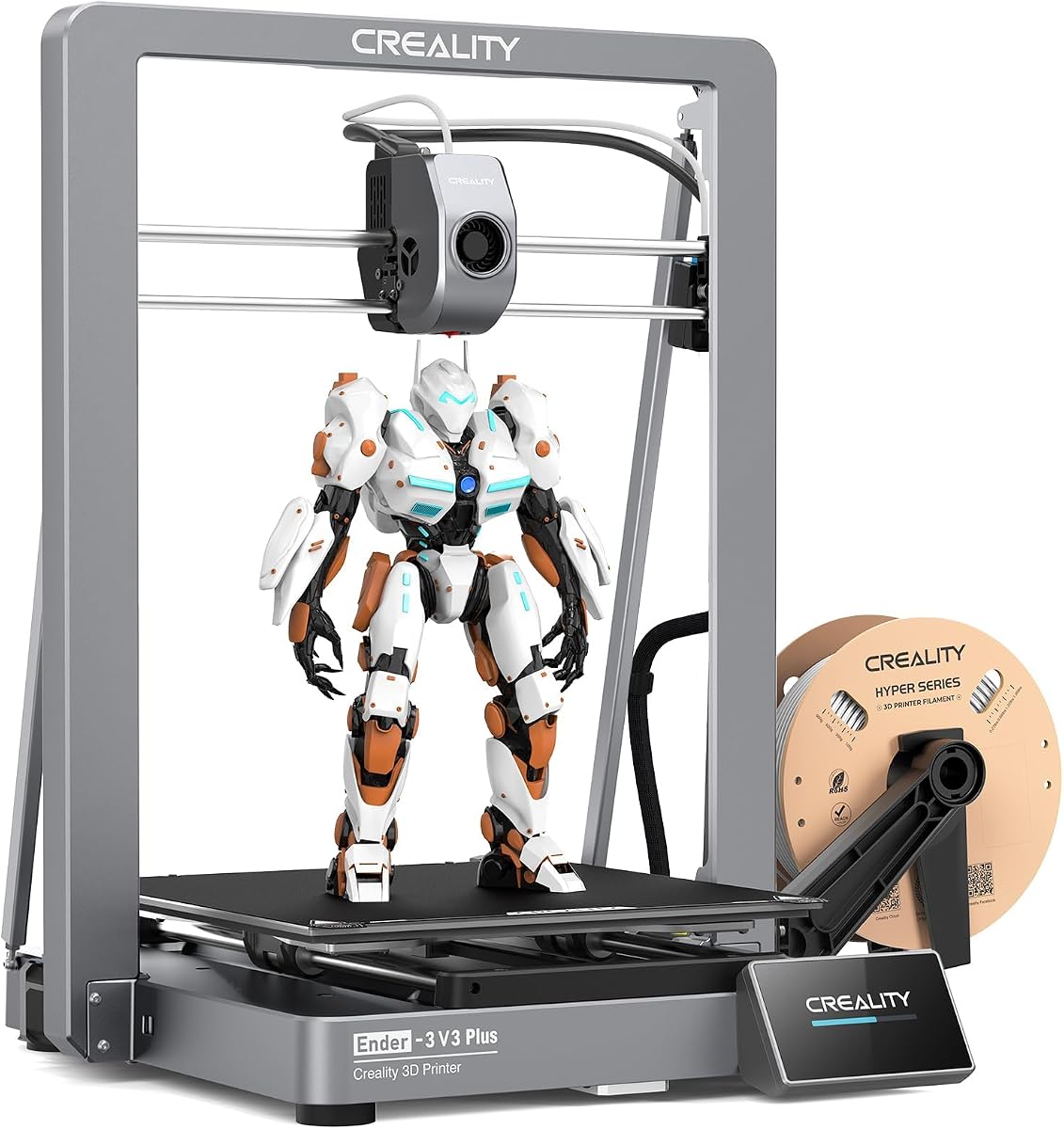
The Creality Ender 3 V3 Plus offers a larger build volume than standard models. It features CoreXZ motion for speed and stability. This printer targets users wanting upgrades on a budget.
We may earn a commission when you buy through this link, at no additional cost to you.
Key features include 600mm/s speeds and automatic calibration. The tri-metal nozzle resists wear and heat. Dual motors on the Y-axis ensure stable movement. Pre-assembled modules reduce setup time.
While average ratings are lower the features are strong for the price. Users may need calibration to achieve best results. It suits small-batch production or prototyping. Check current pricing as deals vary.
Consider this model for cost-effective large prints. It suits hobbyists or small workshops. Verify current stock availability.
The CoreXZ design reduces wobbling and improves stability during high-speed large prints.
The tri-metal nozzle ensures smooth discharging and long life with various filaments.
We may earn a commission when you buy through this link, at no additional cost to you.
The LONGER LK5 Pro 3 offers a large build volume with pre-assembled convenience. It is ideal for beginners needing reliable results. The open-source board allows customization for advanced users.
We may earn a commission when you buy through this link, at no additional cost to you.
It features silent drivers and a color touch screen for ease of use. Resume printing and filament detection prevent interruptions. The reinforced triangular structure ensures stability. Lattice glass plates aid model removal.
While it lacks auto-leveling users can add BL touch. The value is high for the size. It suits hobbyists seeking a straightforward experience. Check current pricing as deals vary often.
Consider this model for entry-level large format projects. It suits new makers. Verify availability for current stock.
The 95% pre-assembled design reduces setup time so users can start printing quickly.
The 300x300x400mm volume supports tall prototypes without requiring complex assembly.
We may earn a commission when you buy through this link, at no additional cost to you.
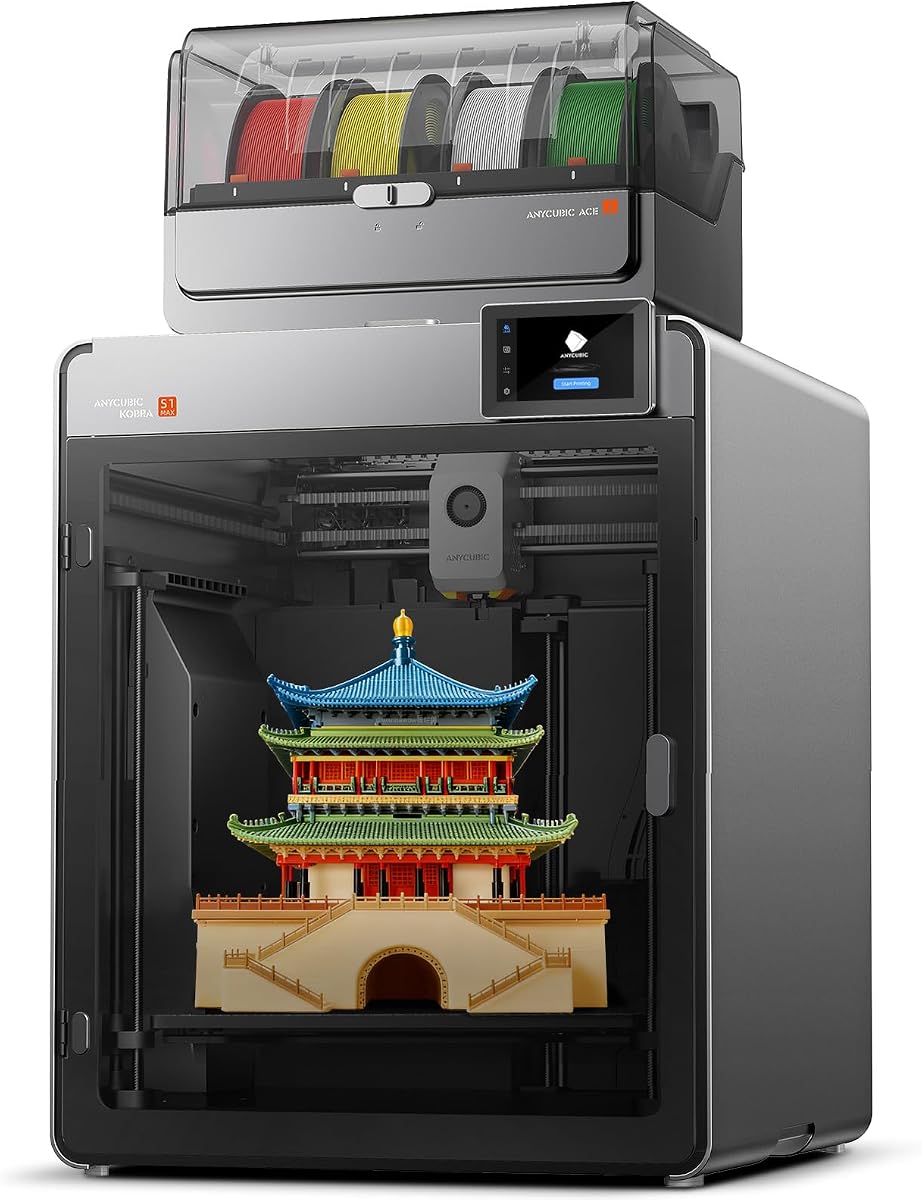
The Anycubic Kobra S1 Max Combo combines large volume with multi-color capabilities. It supports 4-color printing out of the box. This model is designed for creators needing vibrant large prints.
We may earn a commission when you buy through this link, at no additional cost to you.
It features enclosed CoreXY motion and vibration compensation for speed. The heated chamber prevents warping. LeviQ 3.0 ensures first-layer adhesion. Hardened gears support abrasive materials. Power-loss recovery safeguards long jobs.
As a new model user reviews are limited. The specs suggest strong reliability. Buyers should check community feedback before purchasing. It suits those seeking versatile color options.
Consider this model for future-proof multi-color needs. It suits professional creators. Verify current availability for updates.
The ACE 2 Pro system allows up to 16 colors for creative large models.
Closed loop motion reduces ringing ensuring consistent quality at high speeds.
We may earn a commission when you buy through this link, at no additional cost to you.
Selecting the right large-format FDM printer involves evaluating build volume speed and material needs. This guide outlines key factors to consider before purchasing.
The build volume determines the maximum size of a single print without assembly. For large prints, prioritize models with dimensions exceeding 300mm in all axes. Check if the volume is truly usable or limited by mechanical constraints.
Choose a build size that matches your typical project needs to avoid splitting models.
High speeds reduce total print time significantly especially for large parts. Look for machines with accelerations over 10000 mm/s² to maintain stability. Balance speed with quality settings to avoid defects like warping or layer shifts.
Faster printing enables quicker iterations which is critical for prototyping workflows.
Ensure the printer supports the filaments you plan to use such as ABS or ASA. Enclosed chambers and heated beds are essential for engineering materials. Verify if the extruder can handle abrasive composites like carbon fiber.
Select a model with temperature capabilities that match your material requirements.
Automatic leveling saves time and ensures consistent first layers across large beds. Systems like 64-point mesh or auto Z-offset minimize manual adjustments. Reliable calibration is critical for reducing failed prints on large builds.
Prioritize printers with advanced automation to improve reliability and success rates.
User-friendly slicing software and remote monitoring enhance workflow efficiency. Wi-Fi or LAN connectivity allows managing multiple machines from one place. Look for features like resume printing and filament detection to minimize interruptions.
Choose a system with intuitive interfaces to reduce learning curves.
Robust frames and metal rails ensure stability during long large print jobs. Closed-loop motors and rigid construction reduce vibration. A durable machine ensures consistent results over time.
Invest in sturdy construction to maintain accuracy on large models.
If color variety matters consider printers with tool changers or multi-filament systems. These enable complex designs without manual swaps. Verify if extra modules are needed for full color capability.
Select a model with expandable color options if your designs require variety.
Large format printers range from affordable hobby units to professional machines. Define your budget and prioritize features that add value to your workflow. Balance upfront costs with long-term maintenance and material savings.
Choose a printer that fits your financial constraints while meeting performance needs.
Start by leveling the bed using the provided tools or automated features. Ensure the nozzle height is correct for proper adhesion on large surfaces. Verify filament paths are clear before beginning any print job.
Monitor the first layer closely to adjust temperatures or speed if needed. For ABS or ASA keep the chamber warm to prevent warping. Use a brim or raft to improve stability on tall prints.
Perform regular maintenance like cleaning the extruder and checking belt tension. Keep firmware updated for improved performance and bug fixes. Store filaments in dry conditions to maintain print quality.
Industrial machines can exceed one meter per axis but desktop large format models typically range from 300mm to 500mm per axis. Select the size based on your typical project needs to avoid unnecessary costs.
High-quality models include automation to reduce manual tasks. Routine maintenance involves cleaning parts and checking belts. Regular upkeep ensures reliable prints and prevents major issues.
Enclosures help maintain temperature stability for engineering materials like ABS. They also protect users from heat. Many modern large printers feature built-in enclosures for ease of use.
Use brims or rafts to anchor corners. Ensure bed adhesion with glue or specialized tapes. Maintaining consistent chamber temperatures reduces warping on large prints.
They use tool changers or filament switching systems to manage different spools. These systems reduce waste and allow seamless transitions. Some require add-ons for full color capability.
Popular slicers like Cura or PrusaSlicer offer advanced settings for large builds. They support mesh editing and temperature control. Look for software that integrates well with your hardware.
Times vary by size and quality settings. Large parts can take days depending on layer height. High-speed printers reduce wait times but may affect finish quality.
Consider power supply capacity and room space for larger machines. Ensure your design files match the printer's volume. Upgrades like better cooling may be needed.
We reviewed ten leading models offering diverse features from budget builds to industrial performance. Top picks include the Creality Ender 5 Max for value and the QIDI Max4 Combo for premium capability.
Prioritize factors like build volume and material compatibility to match your workflow. Automation features reduce effort and improve reliability for large projects.
Verify current prices and availability before buying as models update frequently. Choose a printer that balances performance with your budget and space.