
KAMRUI Hyper H2
4.5Editor score
Core i5-14500HX performance
Dual fan cooling system
Triple 4K display support
This guide compares the top Intel Core i5 Mini PC models for 2026 to help you choose the right compact desktop for work or home needs.
Finding the right compact computer can be challenging when you need performance without bulk. An Intel Core i5 Mini PC offers the perfect balance of power and portability for modern users.
We evaluated ten leading models based on processor speed, memory capacity, storage options, and connectivity features to ensure you get the best value for your investment.
Each pick highlights specific strengths and ideal use cases so you can decide quickly. Keep in mind that prices and availability may change depending on market conditions.
4.5Editor score

4.5Editor score

4.2Editor score
The following table provides a side-by-side comparison of all ten models to help you evaluate their key specifications at a glance.



This model stands out as the top pick for professionals needing reliable performance in a tiny footprint. With a 4.5-star rating, users praise its ability to handle complex multitasking and business applications seamlessly.
We may earn a commission when you buy through this link, at no additional cost to you.
The 13th Gen i5-1340P processor delivers outsized performance with up to 12 cores and 16 threads. Combined with 16GB of DDR4 RAM and fast NVMe storage, it handles demanding workloads with ease.
While the price is higher than some competitors, the 3-year global warranty and business-grade features like Thunderbolt 4 justify the investment. The compact size also makes it ideal for clutter-free desks.
If you need a premium mini PC for business or creative work, this ASUS NUC model is the recommended choice. Its blend of power and portability sets a high standard for the category.
Designed for enterprise needs, this device includes features like hardware alarm clocks and cloud-based manageability for smooth operations.
Thunderbolt 4 ports support high-speed data transfer and multiple 4K displays, ensuring compatibility with modern peripherals.
We may earn a commission when you buy through this link, at no additional cost to you.
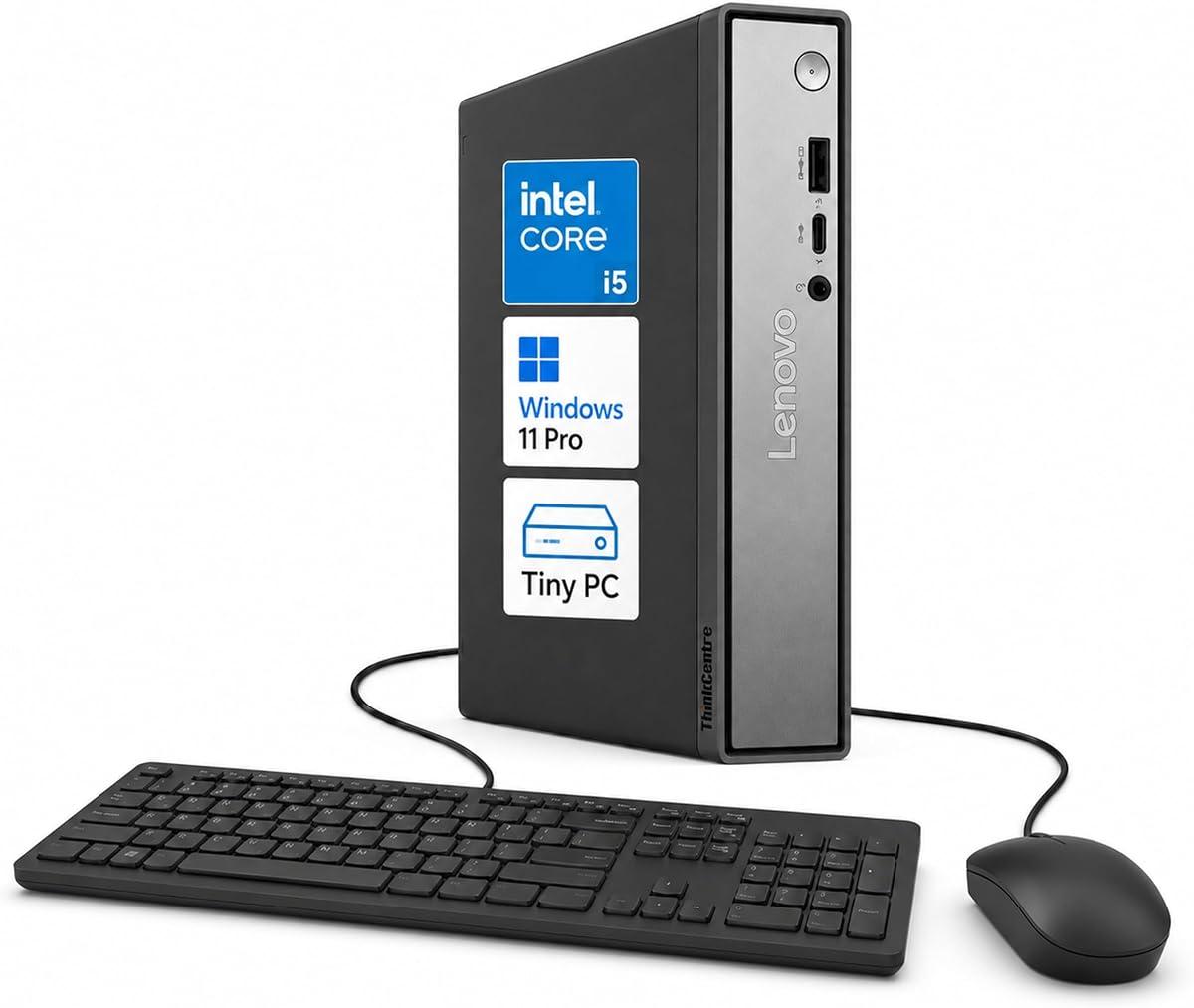
The Lenovo ThinkCentre Neo 50q offers exceptional value with its 5.0 rating. It brings desktop-class performance to a compact form factor, ideal for offices and classrooms.
We may earn a commission when you buy through this link, at no additional cost to you.
Powered by the 13th Gen i5-13420H, it supports AI tools for writing and task organization. The DDR5 memory configuration ensures smooth multitasking across browser tabs and applications.
Although it has a single storage slot, the speed and responsiveness are impressive. The support for three displays enhances productivity significantly for financial or data-driven tasks.
This mini PC is perfect for users who need reliable security and performance without the bulk of a tower. It balances business needs with everyday usability effectively.
The 1L chassis can be mounted vertically or horizontally, fitting easily into tight workspaces or retail counters.
TPM 2.0 and Kensington Security Slots help protect sensitive business data from unauthorized physical or digital access.
We may earn a commission when you buy through this link, at no additional cost to you.
The MINISFORUM NAB5R is a powerhouse for its price point, earning a strong 4.5-star rating. It offers unique features like quad 4K display support and dual LAN ports.
We may earn a commission when you buy through this link, at no additional cost to you.
Its 13th Gen i5-13500H processor provides robust performance for office and media tasks. The ability to connect up to four monitors simultaneously boosts productivity for traders or designers.
The dual 2.5Gb Ethernet ports make it ideal for network storage or firewall setups. Storage can be expanded to 4TB, offering ample space for large files and media.
For users needing advanced connectivity without breaking the bank, this mini PC is an excellent choice. It delivers professional features at a competitive price.
Dual LAN ports allow for link aggregation or separating traffic, providing stability for business networks.
Four video outputs enable multitasking across multiple screens without needing extra docking stations.
We may earn a commission when you buy through this link, at no additional cost to you.
The HP Mini PC brings enterprise reliability to a small form factor with a 4.3-star rating. It focuses on stability and ease of use for business environments.
We may earn a commission when you buy through this link, at no additional cost to you.
Powered by a 6-core i5 processor, it handles office applications and video conferencing smoothly. The 256GB NVMe SSD ensures quick boot times and responsive performance.
Dual DisplayPort outputs support multi-monitor setups for better workflow efficiency. The ultra-compact design allows it to fit behind monitors or in tight spaces.
Ideal for businesses needing a dependable workstation, this model delivers consistent performance. It is a solid choice for routine tasks where reliability is key.
Windows 11 Pro provides enhanced security tools and remote desktop capabilities for secure business operations.
A 65W power adapter ensures efficient operation without generating excessive heat or noise.
We may earn a commission when you buy through this link, at no additional cost to you.
The GMKtec M3 offers a 1TB storage drive out of the box, making it great for media storage. It holds a 4.4-star rating from satisfied users.
We may earn a commission when you buy through this link, at no additional cost to you.
Its 12450H processor provides sufficient speed for daily tasks and light creative work. The 2.5Gbps LAN ensures fast file transfers over wired networks.
While the warranty is shorter than premium models, the value proposition is strong. The inclusion of a VESA mount and HDMI cable adds convenience.
For users needing more space without an extra purchase, this mini PC is a smart choice. It balances performance and storage well at this price point.
The 2.5Gbps Ethernet port allows faster downloads and uploads compared to standard 1Gbps connections.
Support for three 4K screens helps users manage complex workflows or monitor multiple feeds simultaneously.
We may earn a commission when you buy through this link, at no additional cost to you.
This M70q model represents the latest in mini PC tech with a 14th Gen processor. Users rate it highly for its efficiency and power.
We may earn a commission when you buy through this link, at no additional cost to you.
The 10-core i5-14400T delivers smooth multitasking and fast response times. DDR5 RAM ensures quick data access and efficient system operations.
Designed for business and education, it includes security and productivity tools for seamless integration. The 3-year warranty provides peace of mind for buyers.
If you want the latest generation performance in a tiny size, this is the way to go. It is ideal for offices planning for the future.
Built-in AI features assist with routine tasks, enhancing productivity without requiring external tools.
WiFi 6 and Bluetooth ensure stable wireless connections for peripherals and networks in modern offices.
We may earn a commission when you buy through this link, at no additional cost to you.
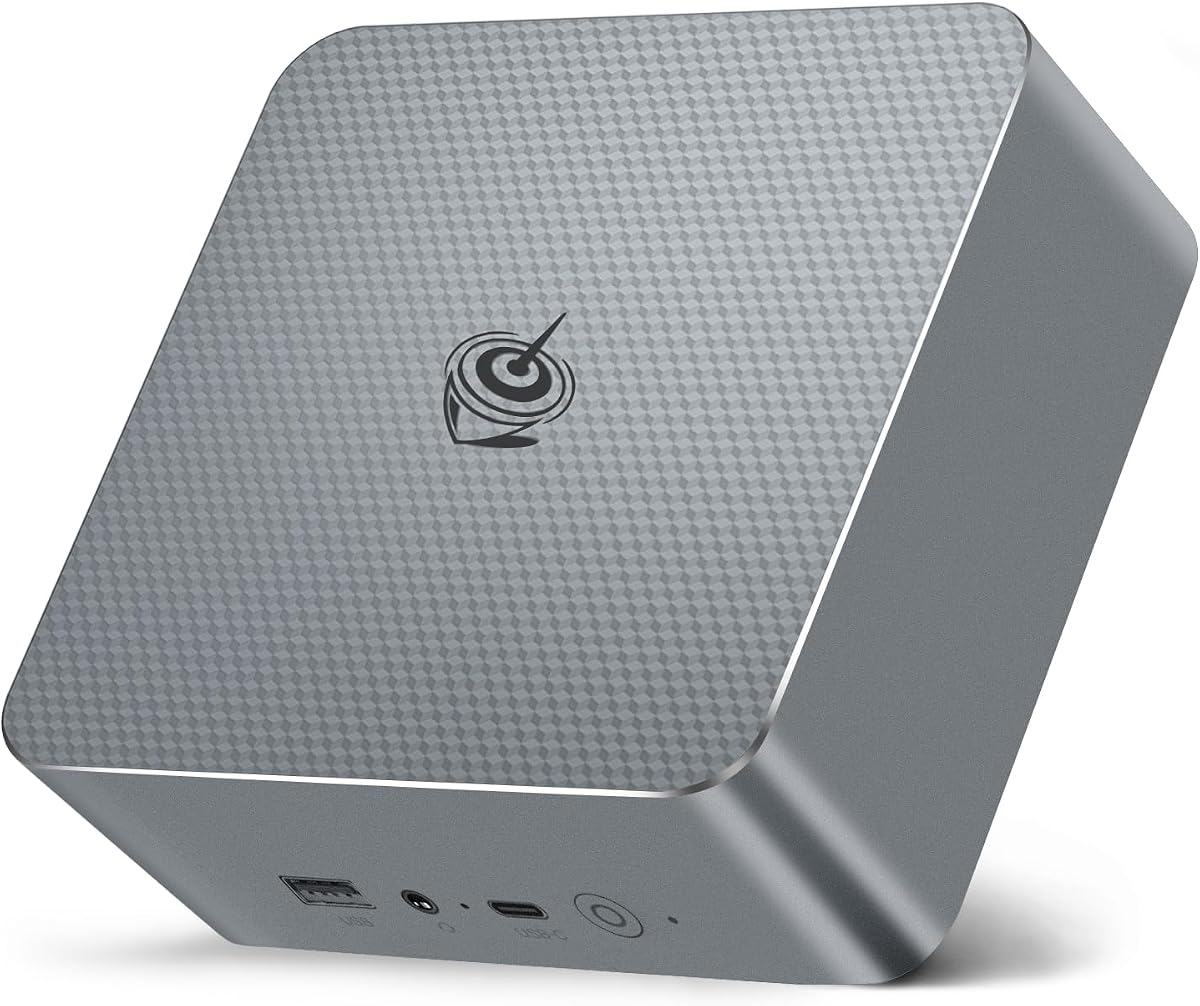
The KAMRUI Hyper H2 brings 14th Gen power to a budget-friendly price. It scores 4.5 stars for its high performance relative to cost.
We may earn a commission when you buy through this link, at no additional cost to you.
With a 14-core i5-14500HX, it handles heavy multitasking and rendering tasks. The dual-fan cooling system ensures thermal stability during sustained use.
Support for three 4K displays makes it suitable for creative professionals needing a wide workspace. It also offers expandability up to 64GB RAM.
For users seeking maximum performance per dollar, this is the top pick. It proves that budget devices can still offer robust capabilities.
The dual-fan setup prevents thermal throttling, keeping the system cool even during intense workloads.
Dual M.2 slots allow for up to 4TB of total storage for large media libraries.
We may earn a commission when you buy through this link, at no additional cost to you.
This Intel NUC model is a favorite for media enthusiasts with its 4.6-star rating. It brings high-end video capabilities to a compact device.
We may earn a commission when you buy through this link, at no additional cost to you.
Supporting up to 8K@60Hz output, it serves as a potent streaming and playback hub. The Intel Iris Xe graphics handle visuals with ease.
The small size allows it to hide behind TVs or monitors for a clean setup. Its quiet cooling system ensures it won't interrupt your viewing experience.
For home entertainment, this mini PC offers superior video performance. It transforms a regular monitor or TV into a smart all-in-one system.
8K support and vibrant color rendering make content watching immersive and crisp.
VESA mounting allows for a clutter-free desk or wall setup.
We may earn a commission when you buy through this link, at no additional cost to you.
The Beelink EQI13 brings convenience with a built-in power supply, eliminating extra cables. Users rate it 4.5 stars for reliability and ease.
We may earn a commission when you buy through this link, at no additional cost to you.
Its 13th Gen i5 processor supports dual 4K displays for productive multitasking. The 2.5G LAN ports ensure fast data transfer for files.
The compact design makes it easy to carry between homes or offices. The MSC2.0 cooling system keeps noise levels very low.
For portable and tidy setups, this mini PC excels. It is great for users who travel with their workspace often.
No external adapter means less to pack when working remotely or traveling.
With noise as low as 32dB, it is ideal for quiet study or work environments.
We may earn a commission when you buy through this link, at no additional cost to you.
This HP EliteDesk model offers entry-level pricing without sacrificing essential features. It carries a 4.0 rating for its reliability at this cost.
We may earn a commission when you buy through this link, at no additional cost to you.
Renewed quality ensures it performs like new with testing. The 16GB RAM and SSD deliver sufficient speed for everyday tasks and browsing.
While the processor is older, it still handles basic productivity well. The dual monitor support allows for a more efficient workspace layout.
For budget-conscious users, this is an excellent starting point. It provides a functional mini PC experience at a fraction of the cost.
Renewed units provide a reliable way to get enterprise features for less money.
Pre-installed Windows 11 means no extra software setup is needed upon arrival.
We may earn a commission when you buy through this link, at no additional cost to you.
Selecting the right mini PC depends on your specific needs. Here are key factors to consider before making a decision.
The processor determines how well the system handles multitasking. Newer generations like 13th and 14th Gen offer better efficiency and cores.
Look for at least 8 cores to ensure smooth performance across modern applications and heavy tasks.
RAM is critical for running multiple programs at once. 16GB is the standard, but 32GB helps with heavy workloads.
DDR5 memory is faster than DDR4 and preferred for newer models to boost system responsiveness.
NVMe SSDs provide faster boot times and data access than older drives. A capacity of 512GB is usually sufficient for most users.
Ensure there are extra slots if you plan to expand storage later for large files or media libraries.
Check for Thunderbolt or USB-C ports for high-speed data and charging. HDMI and DisplayPort allow multiple monitor connections.
Ethernet ports are vital for stable wired connections if you work in a networked office environment.
Some mini PCs support dual displays while others support up to four 4K screens. Choose based on your need for workspace expansion.
Graphics capabilities also matter if you use the PC for light creative tasks or media playback.
Windows 11 Pro offers better security and management tools for business use. IoT versions may be more stable for dedicated tasks.
Security features like TPM 2.0 help protect sensitive data from unauthorized access or software exploits.
Mini PCs range from 1L to 4×4 inches. A smaller size helps reduce desk clutter and saves physical space.
VESA mounting allows you to attach the PC to a monitor for a clean all-in-one setup.
A longer warranty like three years indicates confidence in the product quality. Check if repairs are handled locally or by mail.
Reliable support ensures that any hardware issues are resolved quickly without disrupting your workflow.
Place the mini PC on a flat surface with good air circulation. Keep it away from dust and heat sources to prevent overheating.
Connect the power cable properly and ensure all peripheral connections are secure. Using surge protectors can extend the lifespan of the unit.
Regularly clean the exterior with a soft cloth. Update drivers and the OS periodically to maintain optimal performance.
These devices offer the power of a traditional desktop in a much smaller footprint. They save desk space while providing enough performance for office, creative, and home entertainment tasks.
Yes, most models support dual displays and some even support up to four. This allows you to expand your workspace for better productivity without needing a large tower.
Absolutely. Many models come with Windows 11 Pro and features like TPM 2.0. They are secure and reliable for professional environments and remote work.
Most mini PCs have accessible slots for RAM and M.2 SSDs. Refer to the user manual for specific instructions on opening the case and installing upgrades.
The 14th Gen offers higher clock speeds and improved efficiency. While both are powerful, the newer generation may provide better performance for future-proofing.
Yes, a warranty protects against defects and hardware issues. Three-year plans are common and offer peace of mind for long-term business or home use.
Yes, their small size makes them ideal to mount behind TVs. They support HDMI 2.1 and 8K output for a premium media experience.
Yes, most use advanced fan systems to stay cool. Some models even have dual-fan setups to prevent overheating during heavy workloads.
The top picks offer a wide range of options depending on your needs. The ASUS NUC 13 Pro stands out for overall power while KAMRUI offers budget value.
Consider your primary tasks like video editing or office work before choosing. Prioritize features like display support and connectivity for your workflow.
Remember that prices may fluctuate so check current deals before buying. A little research ensures you get the best performance for your budget.