
GEEKOM GeekBook X14 Pro
4.3Editor score
14 Inch 2.8K OLED Display
Intel Core Ultra 9 185H
16 Hours Battery Life
Vlogging requires powerful tools to capture and edit high quality video on the go. A good laptop for vloggers needs strong processors, ample memory, and reliable battery life to handle editing software and long recording sessions without interruptions.
We compared ten top rated laptops based on processor speed, graphics capability, display accuracy, and portability. Each model was analyzed for its ability to handle 4K video editing, multi tasking, and the demands of modern content creation workflows.
Each pick below shows specific strengths for different creator needs and budgets. Prices and availability can change frequently so check the latest offers before purchasing to ensure you get the best value for your specific vlogging setup requirements.
4.3Editor score

4.9Editor score

4.4Editor score
As an Amazon Associate we earn from qualifying purchases.
The following table provides a side by side comparison of all ten laptops selected for vloggers. It highlights key specifications like processor type, memory capacity, storage size, and display features to help you quickly identify the best match for your workflow.





This NIMO laptop offers a strong entry point for vloggers needing reliable performance without high costs. It features a Ryzen 5 processor and 16GB RAM for smooth daily editing tasks.
We may earn a commission when you buy through this link, at no additional cost to you.
The 512GB SSD and dual SO-DIMM slots allow for easy future expansion as your media library grows. The 100W PD charger ensures you can quickly recharge during busy recording days.
While it lacks a dedicated GPU, the Radeon 660M handles light 4K edits and 1080p playback well. The screen is standard Full HD which is sufficient for most web content creation.
Choose this if you need an affordable upgradeable machine for basic vlogging and office work. It is ideal for students or new creators starting their content journey.
The Ryzen 5 6600H provides enough power for most daily vlogging tasks including light editing and multitasking.
With dual slots for RAM and SSD you can expand memory later to handle larger video files without buying a new machine.
We may earn a commission when you buy through this link, at no additional cost to you.
The GEEKOM GeekBook X14 Pro stands out with its stunning 2.8K OLED display perfect for color accurate editing on the go. It is incredibly light at 2.2 lbs making it easy to carry.
We may earn a commission when you buy through this link, at no additional cost to you.
Powered by the Intel Core Ultra 9 processor and 32GB of fast memory it handles demanding creative software smoothly. The battery life is excellent supporting long shooting days.
The OLED screen offers deep blacks and vibrant colors ideal for reviewing footage. However the higher cost and fewer ports may require dongles for extra monitors.
This is the best choice for mobile vloggers who prioritize screen quality and portability above all else. It fits perfectly into a light backpack for travel.
The OLED panel covers 100% of the DCI-P3 color space ensuring your videos look vibrant and true to life on social media.
At just 2.2 pounds and zero point two three inches thick this laptop slips easily into any bag for on the move work.
We may earn a commission when you buy through this link, at no additional cost to you.
This HP 17 inch laptop provides a large workspace ideal for timeline editing and multi tasking. The Ryzen 5 processor offers solid performance for entry level video editing.
We may earn a commission when you buy through this link, at no additional cost to you.
The 17.3 inch screen makes it easier to see details in your footage without external monitors. It comes with Windows 11 Pro and a full size keyboard for productivity.
The main trade off is the eight GB of RAM which might slow down heavy rendering. It is also heavier than ultrabooks so it is best for desk based work.
Choose this if you need a cost effective desktop replacement for vlogging. It is great for those who prefer a big screen over portability.
The 17.3 inch display offers an expansive view for spreadsheets and video timelines reducing eye strain during long editing sessions.
This model delivers essential features for content creators at a lower price point making it accessible for new vloggers.
We may earn a commission when you buy through this link, at no additional cost to you.
This variant of the HP 17 is similar to the previous one but often bundled with different accessories. It maintains the large screen and strong Ryzen 5 processor for reliable performance.
We may earn a commission when you buy through this link, at no additional cost to you.
The anti glare display is excellent for working in bright environments or outdoors. The Windows 11 Pro offers enterprise security features useful for business vloggers.
Again the eight GB RAM is a limit for heavy 4K editing but sufficient for 1080p work. The included stand and mouse add value to the purchase.
This is a solid choice for creators who need a reliable all in one workstation. It balances performance and screen size well for the price.
Windows 11 Pro provides enhanced security and management features which can be useful for protecting client projects and files.
The bundle often includes a mouse and stand which helps set up a quick mobile workstation anywhere you need to work.
We may earn a commission when you buy through this link, at no additional cost to you.
The Dell 16 laptop brings a professional build quality suitable for business vloggers or those who travel for work. The Core 7 processor delivers smooth multitasking for apps.
We may earn a commission when you buy through this link, at no additional cost to you.
The 16 inch screen with a 16:10 aspect ratio gives more vertical space for your video editing timeline. ComfortView Plus helps reduce eye strain during long edits.
It includes a one year onsite service which means Dell can repair your laptop in place. This is a strong point for reliability in professional environments.
Choose this if you value durability and support over flashy features. It is a solid workhorse for consistent content creation without downtime.
If you face hardware issues Dell will come to your location to fix them reducing downtime for your content production schedule.
The slightly taller screen provides more room for toolbars and timelines in editing software improving your overall workflow speed.
We may earn a commission when you buy through this link, at no additional cost to you.
This NIMO model is our top pick because it balances raw power with expandability. The Ryzen 7 processor and 32GB RAM handle 4K editing and streaming tasks with ease.
We may earn a commission when you buy through this link, at no additional cost to you.
The 75Wh battery supports long hours of work on a single charge. You can upgrade RAM to 64GB later making it future proof for growing needs.
It includes USB4 ports which allow for high speed data transfer and external display support. The 100W charger ensures you can power up quickly between takes.
Ideal for serious vloggers who need performance without paying premium brand prices. It offers the best combination of specs for the money in this list.
With dual slots for RAM and SSD you can expand hardware as your needs grow ensuring the laptop lasts for years.
The Ryzen 7 8745HS provides eight cores and sixteen threads for fast rendering and smooth multitasking during editing.
We may earn a commission when you buy through this link, at no additional cost to you.
The Acer Aspire brings modern AI acceleration to vloggers. The Intel Ultra 7 processor includes a dedicated NPU for local AI tasks like background blur and auto framing.
We may earn a commission when you buy through this link, at no additional cost to you.
It comes with a massive 2TB SSD so you can store huge video libraries without external drives. The 32GB RAM ensures no lag when browsing files.
The touchscreen allows for intuitive photo retouching and precise editing control. The included USB hub simplifies connectivity for external peripherals.
Choose this if you want the latest AI tools and ample storage for your content. It is a powerful machine for heavy creators.
The dedicated NPU enables real time AI effects and task automation locally for better privacy and speed without internet.
The 2TB SSD gives you room to keep raw footage and projects without needing to constantly clear space on your drive.
We may earn a commission when you buy through this link, at no additional cost to you.
The Lenovo Yoga 7i offers versatility with its 360 degree hinge allowing you to use it as a laptop tablet tent or stand. This is great for viewing client work.
We may earn a commission when you buy through this link, at no additional cost to you.
The 16 inch 2K touchscreen provides sharp visuals for detailed editing. The Core Ultra 7 processor handles general content creation tasks smoothly.
It includes a gigabit LAN port which is rare on thin laptops and ensures stable internet for live streaming. However it is heavier than other options.
This is perfect for creators who need flexibility in how they present their work. The touchscreen makes selecting and cropping clips very intuitive.
The four modes let you adapt the laptop to different situations like holding it as a tablet for quick edits.
The gigabit LAN port offers a wired connection option for reliable live streaming when WiFi signals are weak.
We may earn a commission when you buy through this link, at no additional cost to you.
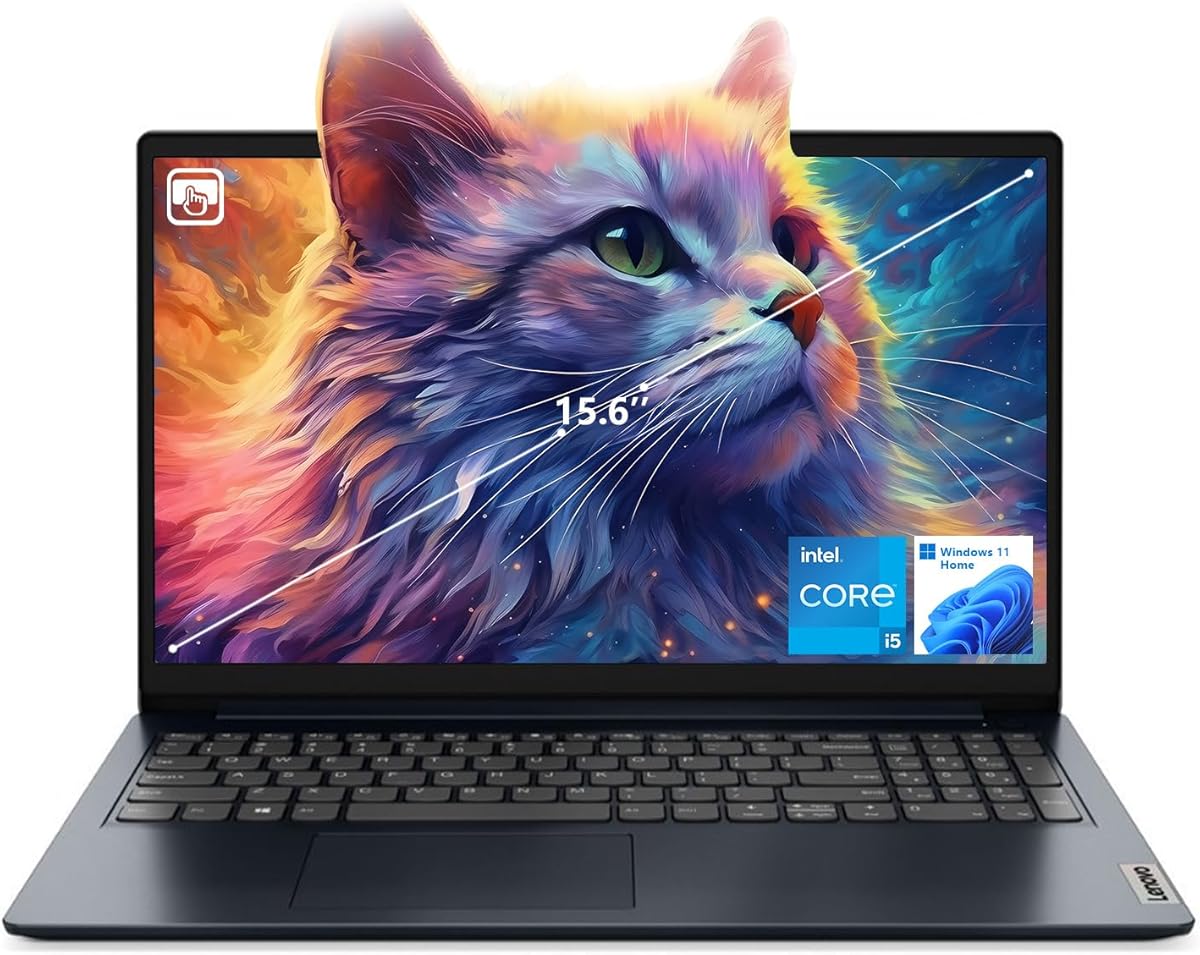
The Lenovo IdeaPad 1i is a solid budget friendly option that still offers 16GB RAM. This is good for keeping browser tabs open while editing.
We may earn a commission when you buy through this link, at no additional cost to you.
The touchscreen adds convenience for navigating software menus without a mouse. It runs Windows 11 Home and includes an HDMI port for external displays.
It uses DDR4 RAM which is slightly slower than newer DDR5 but still adequate for 1080p editing. The build is standard plastic which feels lightweight.
Choose this if you need a simple affordable laptop for social media content. It is a reliable tool for light vlogging and writing scripts.
Having 16GB of RAM at this price point is a strong advantage for multitasking without slowing down the system.
The touch feature makes it easy to scrub through video timelines or navigate settings directly with your finger.
We may earn a commission when you buy through this link, at no additional cost to you.
This final NIMO model reinforces its value with a similar high performance setup to others in the list. The Ryzen 7 8745HS ensures fast rendering and smooth playback.
We may earn a commission when you buy through this link, at no additional cost to you.
It supports upgrades up to 64GB RAM and multiple SSDs which is rare in modern laptops. The 180 degree hinge allows for flat sharing during collaboration.
The 100W PD charging and 75Wh battery support all day work without frequent outlets. This makes it practical for remote recording sessions.
Ideal for those who need a dedicated desktop replacement that can travel occasionally. The warranty gives extra peace of mind for long term use.
You can upgrade hardware freely without replacing the whole laptop which helps you adapt to new software demands easily.
The two year warranty covers maintenance and technical consultation ensuring your device stays running smoothly for years.
We may earn a commission when you buy through this link, at no additional cost to you.
Selecting the right laptop for vlogging involves balancing performance with portability. This section outlines the key factors to consider before making your purchase.
The processor is the brain of your editing workflow. For smooth 4K rendering and multitasking choose an Intel Core i7 or AMD Ryzen 7 series or newer.
Aim for at least six cores to handle background processes while editing videos without lag.
Memory dictates how many apps you can run at once. For vlogging 16GB is the minimum recommended standard to keep software responsive.
32GB is ideal if you work with large raw files or run multiple browsers and editors simultaneously.
Video files take up significant space. Look for laptops with at least 512GB of SSD storage for fast boot times and file access.
Larger drives like 1TB or 2TB reduce the need for external hard drives and keep your project files organized on device.
Color accuracy is vital for editing. Ensure the screen covers at least 90% of the sRGB color space for accurate footage.
Resolution should be at least Full HD but 2K or higher provides more clarity for timeline details.
Vloggers often work away from power outlets. Look for a battery rated for at least eight to ten hours of mixed use.
Fast charging support ensures you can get back to work quickly when you find a power source during the day.
If you travel to record you need a light laptop. Aim for under four pounds and a chassis that fits easily into your carry on bag.
Thinner devices are easier to carry but may have less cooling so balance weight with performance needs.
Ports allow you to connect cameras and external monitors. A laptop with USB-C Thunderbolt HDMI and SD card readers is highly useful.
If ports are limited a good hub will be needed to connect multiple accessories simultaneously.
A solid warranty protects your investment. Look for at least a one year warranty with options for onsite support.
Good customer service ensures you can resolve issues quickly without missing content creation deadlines.
Always update your drivers and operating system to ensure your video editing software runs smoothly. This keeps your system secure and efficient for heavy workloads.
Clean your screen with a microfiber cloth regularly to remove fingerprints. This maintains the clarity needed for color accurate editing sessions.
Use a cooling pad if you edit in hot environments. This prevents overheating which can slow down your performance during long rendering tasks.
The minimum recommended RAM for video editing is 16GB. This ensures that you can run your editing software and browser tabs simultaneously without significant slowdowns.
Integrated graphics can handle 1080p editing but for smooth 4K work a dedicated GPU is beneficial. However modern integrated graphics are improving and may suffice for light tasks.
Videos consume space quickly so a 1TB drive is recommended. This allows you to keep projects on device without relying on external drives constantly.
Yes tablets can edit but a laptop offers better file management and software support. Use a tablet for quick edits but a laptop for major production work.
A 15 to 16 inch screen is a good balance between portability and workspace. It fits in bags easily while offering enough screen real estate for editing.
A touchscreen helps with navigation and cropping clips. It is not strictly necessary but can speed up certain tasks in supported software.
These ten laptops cover a range of budgets and needs for content creators. The NIMO Ryzen 7 models offer the best all around value for performance and speed.
Prioritize processors and RAM first to ensure smooth editing. Battery life and weight come next if you travel frequently to record your content.
Prices change often so check current offers on the Amazon links to get the best deal for your needs. Invest wisely to keep your content creation flowing.