
Video Conference Lighting & Computer Light
4.1Editor score
Plug and play USB power
Clip or magnetic mount
Three color modes available
Finding the right internal PC work lights can transform your workspace into a highly efficient environment. These devices provide focused illumination that reduces eye strain during long hours of computer use. They ensure your tasks are well lit without cluttering your desk.
We compared ten top rated models based on brightness, adjustability, and eye care features. Each product was evaluated for its mounting options and energy efficiency. Our goal is to help you choose the perfect light for your specific setup needs.
Each pick shows key features and real world performance notes from verified user feedback. Prices and availability change frequently so check current listings before buying. We hope this guide simplifies your decision for the best PC lighting solution.
4.1Editor score
4.5Editor score

4.5Editor score
As an Amazon Associate we earn from qualifying purchases.
Here is a side by side comparison of all ten products included in this guide. We highlight key specifications to help you understand how each option differs in performance and features.





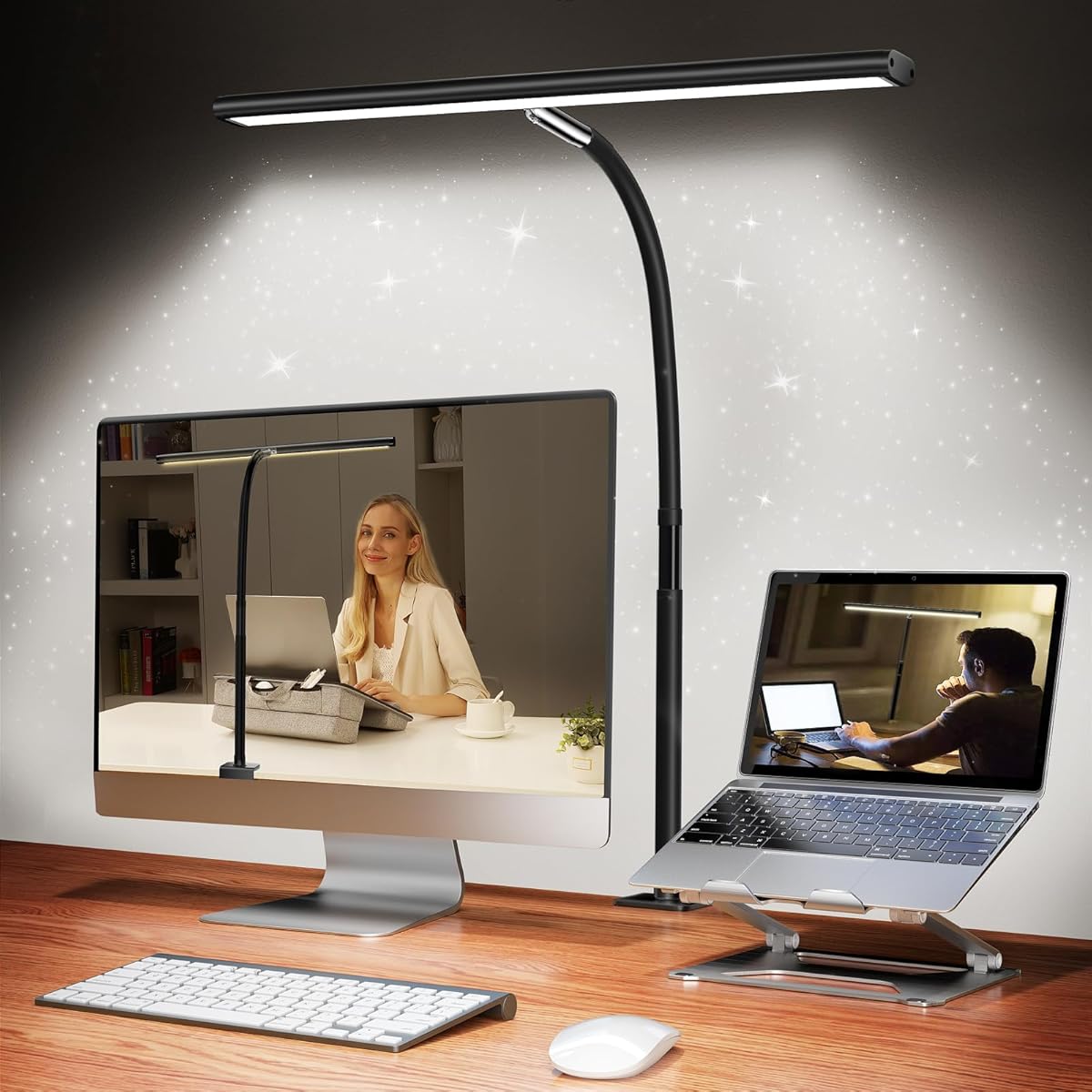
The Airlonv LED Desk Lamp offers exceptional versatility for various work environments. With a rating of 4.5 stars users appreciate its wide illumination. The stepless dimming allows for precise control over light levels.
We may earn a commission when you buy through this link, at no additional cost to you.
Its 17 inch lamp bar ensures your entire workspace is well lit. The flexible gooseneck lets you direct light exactly where needed. Energy efficiency is high reducing power consumption significantly.
While it lacks a remote control the touch interface is straightforward. The clamp design might not suit all desk types. These trade-offs are acceptable given the price and performance.
Anyone needing a reliable task light should consider this model. It balances cost and functionality well. We recommend it for home offices and study areas.
The gooseneck allows 360 degrees of movement for perfect angles.
Soft light minimizes strain during long work sessions.
We may earn a commission when you buy through this link, at no additional cost to you.
This Monitor Light Bar delivers focused task lighting without taking up desk space. Its rating of 4.2 reflects solid performance for most users. The USB power source ensures easy connection to computers.
We may earn a commission when you buy through this link, at no additional cost to you.
The 11.8 inch bar covers a wide area effectively. Asymmetric design prevents screen glare during use. The memory function recalls your last settings automatically.
It offers less flexibility than clamp lamps due to fixed mounting. Controls are mechanical rather than digital. However these are minor issues for the convenience provided.
Ideal for gamers and office workers seeking simplicity. It keeps your setup clean and efficient. A great choice for standard monitor setups.
Mounts on top of monitor to free up desk space.
Light directs down to avoid direct eye exposure.
We may earn a commission when you buy through this link, at no additional cost to you.
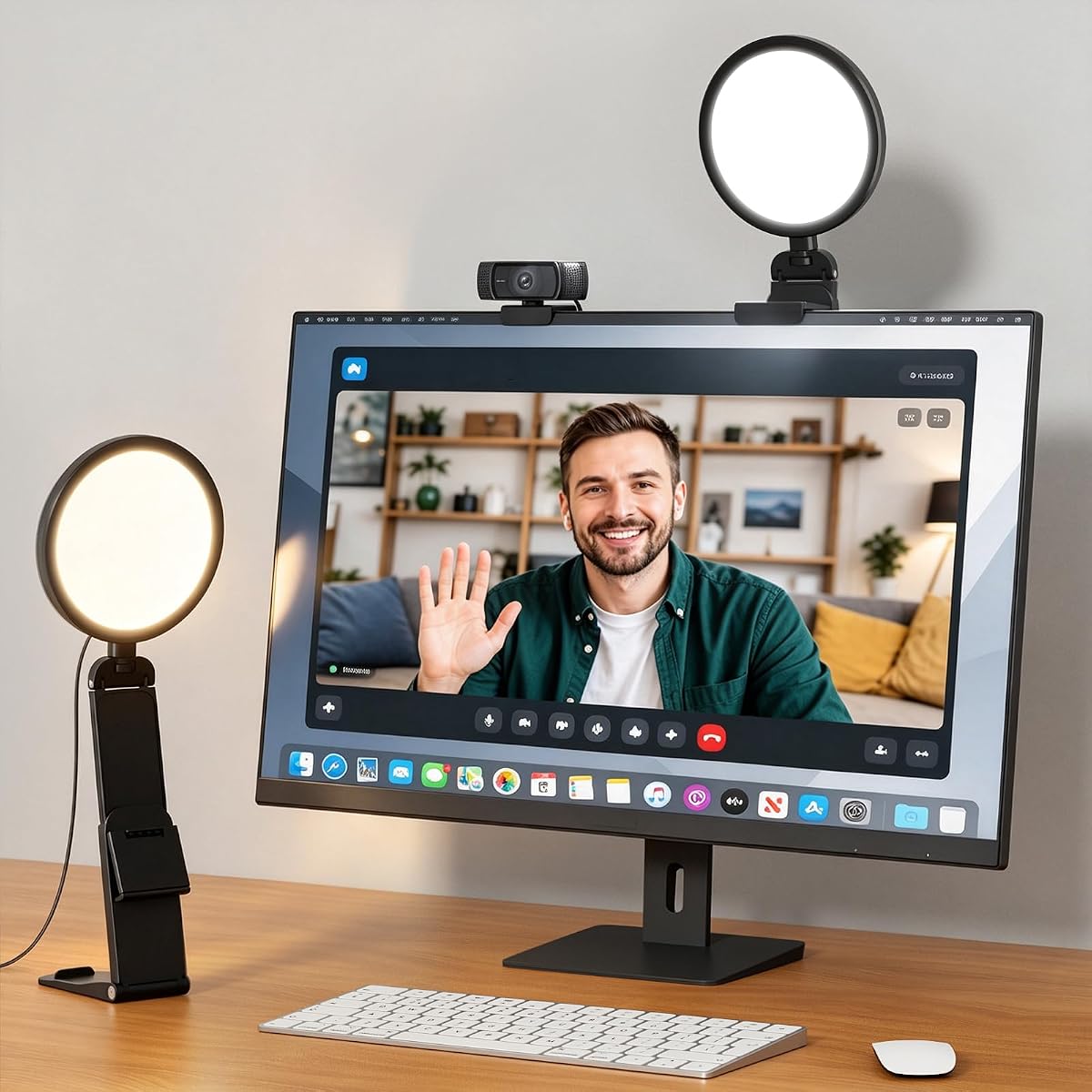
For those needing a quick lighting fix this panel is ideal. It holds a 4.1 rating and serves remote workers well. USB power means no extra adapters are required.
We may earn a commission when you buy through this link, at no additional cost to you.
The clip or magnetic mount offers flexibility for placement. Three color modes suit different video call environments. Brightness levels allow customization for any room.
It provides less illumination than larger lamps due to size. Build quality is entry level. Still it fulfills basic needs effectively for a low cost.
Perfect for students or casual users. It improves video call quality instantly. A smart buy for tight budgets.
Designed specifically to improve your appearance on camera.
Lightweight and easy to move between devices.
We may earn a commission when you buy through this link, at no additional cost to you.
Creators will love this premium streaming light. It has a 4.5 rating for excellent color accuracy. TrueSoft technology ensures natural skin tones in videos.
We may earn a commission when you buy through this link, at no additional cost to you.
The frameless diffuser spreads light evenly without harsh shadows. You can control it via G HUB app for presets. Portable design makes it easy to move.
It is pricier than standard desk lamps. Using the app is necessary for advanced settings. These factors are justified by the professional results.
Highly recommended for content creators and streamers. It elevates your video quality significantly. Invest in this for consistent look.
TrueSoft ensures your content looks natural and vibrant.
Plug and play design gets you started quickly.
We may earn a commission when you buy through this link, at no additional cost to you.
This lamp offers unique features for architectural work. It supports multiple color temperatures for precise tasks. The remote control adds significant convenience for adjustments.
We may earn a commission when you buy through this link, at no additional cost to you.
Flexible arms allow you to direct light anywhere needed. Energy efficient LEDs reduce heat and power usage. Suitable for large desk setups.
Lack of user ratings makes confidence harder. The design might be bulky for small desks. Still the functionality is robust for specific needs.
Best for drafters or large workspace users. The remote is a huge plus. Consider if flexibility is your top priority.
Control all settings from your chair comfortably.
Arms move freely to cover any work area.
We may earn a commission when you buy through this link, at no additional cost to you.
Gaming enthusiasts will enjoy this dual function light. It has a 4.1 rating for solid performance. RGB backlight adds vibe while front light aids work.
We may earn a commission when you buy through this link, at no additional cost to you.
USB-C power ensures compatibility with modern devices. Independent controls for front and back lights offer flexibility. Clip mounts easily on most screens.
Dual buttons might limit customization options. Some users report mixed quality consistency. Still the value is high for gamers.
Great for setup lovers wanting style and function. It combines utility and atmosphere well. Highly recommended for gaming desks.
RGB modes create immersive backgrounds for your screen.
Front light directs away from eyes to prevent strain.
We may earn a commission when you buy through this link, at no additional cost to you.
The dual head design covers two monitors effectively. With a 4.5 rating it is well trusted by users. 31.5 inch span ensures no dark spots remain.
We may earn a commission when you buy through this link, at no additional cost to you.
Auto off timers help save energy and reduce hassle. Memory function keeps your preferences ready. High quality LEDs last long.
It requires a sturdy surface for clamping. Large size might not fit small desks. Still it is powerful for multiple screens.
Ideal for multitaskers with dual setups. It eliminates shadows completely. A reliable choice for heavy users.
Spans across wide desks to light everything evenly.
Timers ensure lights do not stay on unnecessarily.
We may earn a commission when you buy through this link, at no additional cost to you.
Portability is key here with a 4.3 rating. High CRI ensures true color reproduction for work. You get 50 modes to fine tune lighting.
We may earn a commission when you buy through this link, at no additional cost to you.
Foldable design makes travel easy. USB power works with laptops or power banks. Lightweight frame prevents desk clutter.
It covers smaller areas than full lamps. Limited height may restrict some angles. Still great for remote work on the go.
Perfect for travelers or remote workers. It fits in bags easily. Buy for flexible lighting anywhere.
High CRI means colors look true in videos.
Folds up to fit in your travel bag.
We may earn a commission when you buy through this link, at no additional cost to you.
Xiaomi offers a refined option with a 4.4 rating. Wireless remote control simplifies adjustments daily. Asymmetric design prevents screen reflection perfectly.
We may earn a commission when you buy through this link, at no additional cost to you.
It turns on automatically with your computer. USB-C port ensures modern compatibility. Ra95 color rendering looks natural and crisp.
It is pricier than competitors. Remote needs batteries which adds maintenance. Still quality is high for this brand.
Excellent for clean minimalist setups. It integrates well with modern tech. Recommend for quality seekers.
Syncs with your PC to turn on instantly.
Flicker free light protects eyes from strain.
We may earn a commission when you buy through this link, at no additional cost to you.
This premium option targets gamers specifically with a 4.5 rating. TrueSoft delivers cinematic color for streams. Presets make custom looks easy.
We may earn a commission when you buy through this link, at no additional cost to you.
Safe for all day streaming without heat issues. 3-way stand allows flexible angles. Design fits desktops seamlessly.
It comes at a high price point. Desktop only limits wall use. Still it delivers pro level results.
Top choice for streamers and pros. It elevates your video output. Recommend for serious creators.
Achieve professional results with simple controls.
Meets strict safety standards for daily use.
We may earn a commission when you buy through this link, at no additional cost to you.
Selecting the right internal PC work light requires understanding key features that impact comfort and usability. We break down the most important factors.
Brightness determines how well your workspace is illuminated. Look for adjustable brightness to suit different tasks like reading or gaming. Higher brightness helps reduce shadows.
Prioritize models with adjustable lumen output.
Color temperature affects your mood and focus. Cool light helps with productivity while warm light relaxes. Adjustable color temps give you flexibility for any time of day.
Choose lights offering multiple color temperature options.
Eye care is vital for long PC sessions. Look for flicker free and anti-glare features. These prevent strain and headaches during extended work.
Select lights with certified eye protection.
Mounting determines how the light fits your desk. Clamp styles save space while stand styles offer stability. Ensure the mount fits your desk thickness.
Pick a mount that matches your desk setup.
Power source impacts convenience. USB options use your computer while plug in options offer more power. Consider what power source you prefer.
USB powered lights suit most desk users.
Build quality ensures longevity. Metal components offer durability while plastic may be cheaper. Check reviews for long term reliability.
Invest in sturdy materials for lasting use.
Controls dictate ease of use. Touch panels offer modern feel while buttons offer tactile feedback. Remotes add convenience for adjustments.
Choose a control style you find intuitive.
Extra features like timers or memory functions add value. Memory saves your last settings for quick setup. Timers help conserve energy.
Look for features that match your workflow.
Install the light securely on your desk or monitor. Ensure it is stable and pointing in the right direction. Adjust height to avoid glare on screens.
Regularly clean the lamp surface with a soft cloth. Dust accumulation can reduce light output over time. Keep vents clear for cooling.
Store lights safely when not in use to prevent damage. Turn them off when leaving your workspace. This helps extend the lifespan of LEDs.
Most modern internal PC work lights are designed with eye safety in mind. They use flicker free LEDs to prevent strain. Look for certified options for peace of mind.
Many models include USB power adapters in the box. Check product specs to see what is included. Most work with standard USB ports or chargers.
Check desk thickness specifications before buying. Some models offer adjustable clamps. You may need an alternative mount if your desk is too thick.
Yes many lights are designed specifically for video conferencing. They reduce shadows and improve lighting. This ensures you look professional during meetings.
Most clamp lights adapt well to curved monitors. Check product descriptions for compatibility. Some may require specific mounts for curved screens.
Most models allow temperature changes via touch or buttons. Some offer remotes for easier control. Follow user manual instructions to switch modes.
We reviewed ten top models including the Airlonv and Logitech options. Each offers unique benefits for different needs like gaming or work. Consider what matters most to you.
Prioritize eye care features and adjustability for comfort. A good light improves your daily workflow and health. Invest in quality for long term gains.
Always check current prices before purchasing as they vary. Deals often appear during sales seasons. Use our links to verify the best deal today.